Loading the examples…




Explore real PDFs, their derived HTML, the PHP or LaTeX source behind each example, and the diagnostics that explain the result. The gallery keeps the input PDF, rendered page previews, exact HTML source and byte hashes together. Its code lives in the separately released PDF-to-HTML demo 0.4, using the stable HTML converter 0.8.
Try an example first
- Open the interactive demo and choose an example. No installation is needed.
- Use See the result to compare the PDF with the web page produced from it. Different line wrapping is normal: HTML adapts to the available width.
- Download the source PDF to try it yourself, or choose your own file. A tagged PDF contains the headings, lists, tables and reading order the converter needs; a scanned image alone does not provide them.
The HTML code tab shows the original output by default. Choose Readable view to add visual indentation and syntax colours without changing its content. Copying or downloading it preserves the original output, including spaces that matter to mathematical formulas. Diagnostics explain information that could not be carried over. A successful conversion is not an accessibility certificate.
Inspect original structure
The PDF structure tab shows the tag tree before HTML transformations. Expand its branches, select an element, and inspect its typed PDF properties and links to captured objects. Pages, role mappings, namespaces and associated files have separate views. Names and strings retain their hexadecimal bytes; references retain the object number and generation.
Inspection comes from Reader 0.8, using a model separate from the converter. A readable untagged PDF remains inspectable: its catalog and pages are available, and the absent tree is explicit. After an HTML conversion error, cancellation or timeout, the original PDF and any completed inspection remain available. Clear my file removes them from the session.
PDF information is inert text. Attachments are never opened or executed; inspection describes stream metadata without decoding streams or acquiring external resources. Download inspection JSON preserves the captured snapshot and the source PDF SHA-256. Processing and display limits are reported; a partial snapshot does not mean that the document is empty. This view neither edits nor re-exports the PDF and is not PDF/UA validation or signature verification.
Convert a file on this device
Choose a PDF to convert it directly on this device, inside your browser. The application loads the conversion engine from this site. It does not send the chosen PDF, its filename, a password or the result to a server, and does not save those values in browser storage. Loading the page and its public runtime assets still makes ordinary requests to the site's host.
Each conversion has a fresh Worker. Cancel stops that Worker. Input size, execution time and PHP memory are bounded; unsupported or invalid input produces an error or diagnostics instead of a claim of complete conversion. The published runtime currently accepts at most 8 MiB of PDF input, allows 30 seconds per job, including runtime loading, inspection and conversion, and sets a 128 MiB PHP memory limit. Expanded preview documents are also bounded to 16 million characters. Closing or reloading the page clears the session. The converter is designed for tagged PDF: visual similarity to an arbitrary untagged source is not guaranteed.
The displayed result is isolated from the documentation page. Imported PDFs do not gain permission to execute scripts, submit forms or navigate the parent page. Downloads are created locally when requested.
The demo explicitly enables filtered local stylesheets and combines catalogue HTML Supplements in their PDF order for LaTeX interoperability. It still blocks PDF scripts and remote resources. The library keeps its strict default selection of the first catalogue HTML Supplement; applications choose these stylesheet policies explicitly.
If local conversion cannot start
The gallery remains available without starting the conversion engine. Imports
require HTTPS or localhost, Workers, WebAssembly, Web Crypto and
DecompressionStream. Demo 0.4.3 checks these prerequisites, then instantiates a
small WebAssembly module inside the conversion Worker. It also tests an actual
JSPI suspension and resumption before selecting that runtime; otherwise it
selects bundled Asyncify. Asyncify still requires working WebAssembly and does
not bypass browser restrictions.
If startup fails, open Conversion engine diagnostic and choose Copy diagnostic. If clipboard access is unavailable, the report is selected so you can copy it manually. You can share that text when asking for help without sharing your PDF. Nothing is sent automatically. This report is separate from the conversion diagnostics and the downloadable PDF inspection.
Schema version 1 contains only applicationVersion, a stable code, stage,
runtimeVariant and the capabilities booleans, alongside schemaVersion.
The capability flags (secureContext, worker, webAssembly, crypto,
decompressionStream) describe API availability in the page. They do not prove
that WebAssembly can execute in its Worker: wasm_unavailable at
checking-runtime records that separate execution failure even when the page's
webAssembly flag is true. The report excludes PDF content, filename and hash,
raw exception messages and stack traces.
Startup deadlines are distinguished from deadlines reached while inspecting or converting a PDF. The report identifies the observed stage, not which setting or extension caused it. The reported Firefox 157 / Arch Linux / NoScript environment has not been reproduced, so its original failure is not confirmed resolved. NoScript or another restriction is not inferred from the report alone.
Read the visual examples
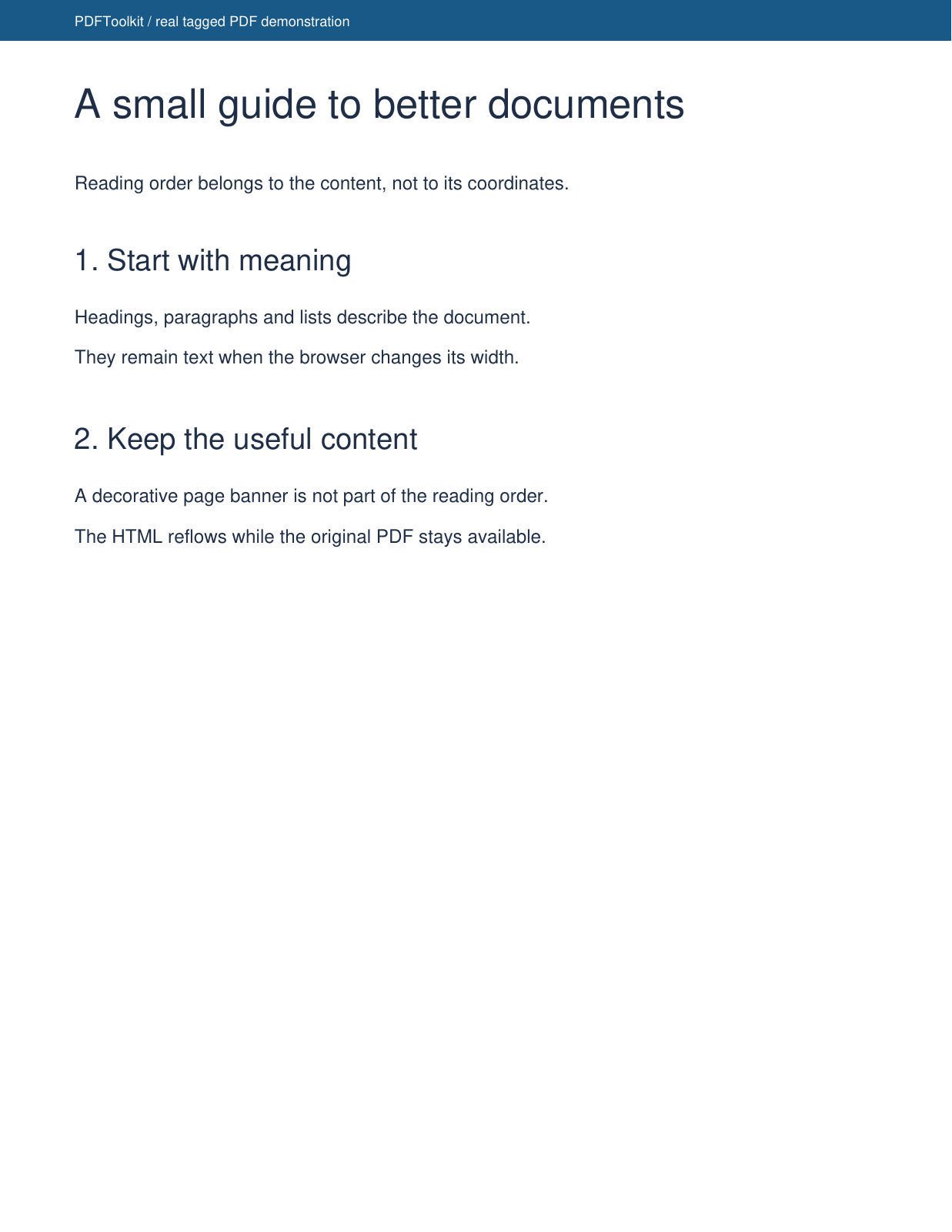
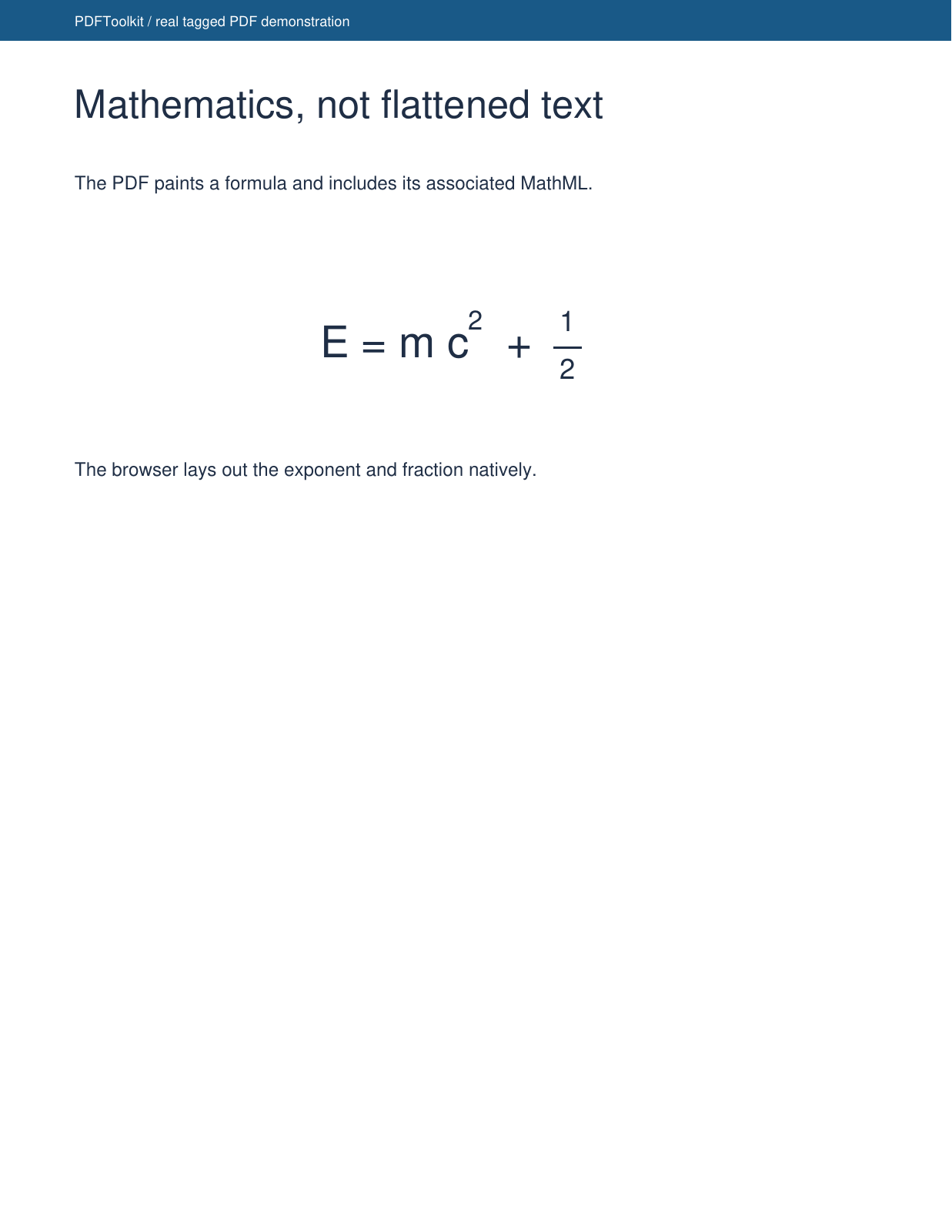
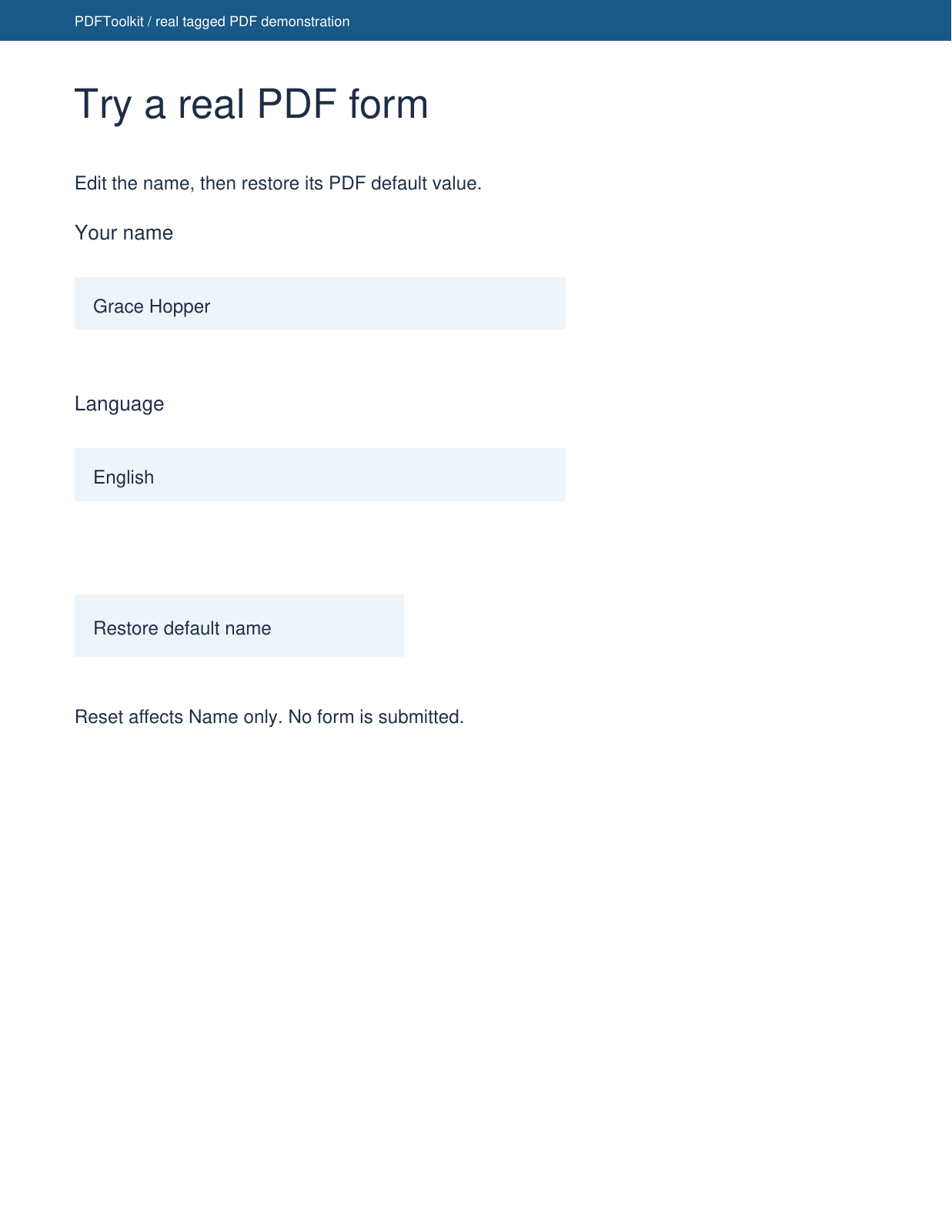
The eleven examples cover structure, tables and lists, MathML, form defaults and reset, widget appearances, signature status, a rendered graphic and decoded JPEG, JPEG 2000 and JBIG2 images. Compare the source page preview with the derived HTML, then inspect the generating source and diagnostics. The HTML download contains the actual conversion output. A rendered PDF preview is a visual reference, not evidence that an HTML layout is pixel-identical.
The LaTeX MathML example uses a real LuaLaTeX-generated PDF with mathematical elements in its structure tree, rather than an associated MathML file. Compare inline and displayed fractions, superscripts and a matrix, then download its LaTeX source and build provenance. The separate MathML example demonstrates an associated file. These fixtures demonstrate the tested paths; they do not certify arbitrary LaTeX PDFs.
The gallery's explicit application capabilities are documented per example. Graphics rasterization and signature verification require an implementation or selected certificate; their demonstrated results do not imply that arbitrary uploaded files receive those capabilities. A signature integrity result does not establish certificate trust, validity at signing time or permission for later changes. See the graphics guide and signature guide.
Only the published reset example enables the project's bounded reset runtime inside its isolated preview. Its script is selected from the verified example assets and authorized by its exact content hash. This implements the allowed reset action; it does not execute PDF ECMAScript. Other gallery outputs and all imported files use a preview with scripts disabled.
Inspect and reproduce the output
Each card exposes the source PDF, HTML text, PHP or LaTeX source, inspection JSON and diagnostic JSON. The public gallery manifest records hashes and source identities. Without JavaScript, the page still offers rendered previews and those downloads. The application and runtime are pinned independently from the documentation and PHP packages.
For a PHP application, follow the executable conversion tutorial. The policies guide and coverage guide explain the interpretation choices and supported mechanisms.