This lesson builds a page containing a sentence and a document title. It explains the minimum set of objects that lets a PDF reader find the page, its font and its content.
Prerequisite: install the dependencies as described in the index. No prior knowledge of PDF syntax is required.
Run the example
From the root of a core checkout:
php examples/hello-world.php
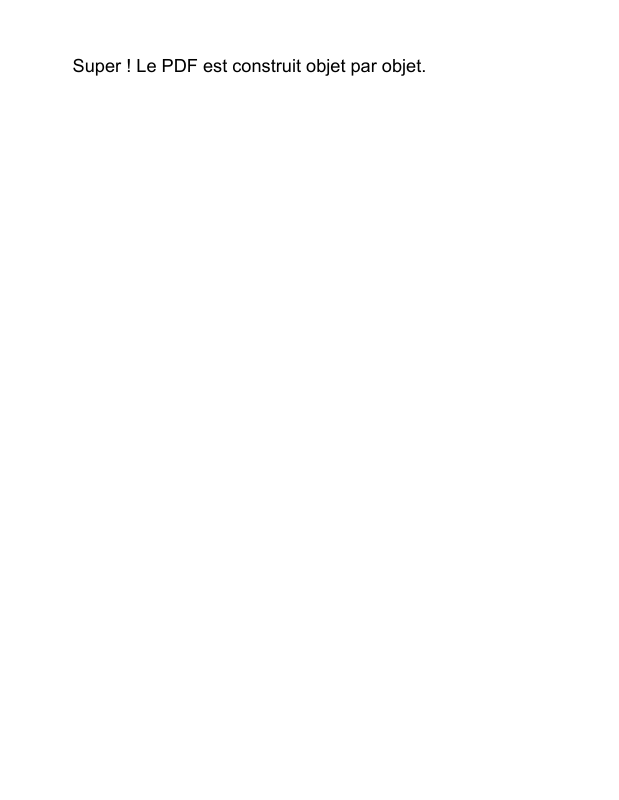
Open examples/hello-world.pdf. The Letter-sized page displays “Super ! Le PDF est construit objet par objet.” The title “Un PDF entièrement objet” is metadata; depending on the reader, it appears in the document properties.
The complete code contains the imports and comments corresponding to the steps below.
1. Name a font resource
Type1Font(StandardFont::Helvetica) creates the dictionary for the standard Helvetica font. The resources' /Font dictionary associates this instance with the local name /F1:
$helvetica = new Type1Font(StandardFont::Helvetica);
$resources = new ResourceDictionary(
    new Font(new DictionaryType(
        new Entry(new NameType('F1'), new IndirectReference($helvetica)),
    )),
);
Here, Font is the /Font entry in the resource dictionary. /F1 is a name chosen for this document; it can change if the operator selecting the font uses the same name. /Helvetica identifies the font itself. The standard font is not embedded: the reader supplies its representation.
An IndirectReference targets the PHP object. Objects can therefore be linked before their numbers in the PDF are known.
2. Describe text with instructions
Page content is a sequence of operators. Their PHP names describe the instructions; their tokens belong to the file format:
| Object | Generated syntax | Effect in this example |
|---|---|---|
BeginTextObject |
BT |
Start the text object and initialize its matrices. |
SetTextFontAndSize |
/F1 18 Tf |
Select resource /F1 and a size of 18. |
MoveTextPosition |
72 720 Td |
Move the text origin from the initial matrices. |
ShowText |
(Super ! …) Tj |
Display the glyphs corresponding to the string's bytes. |
EndTextObject |
ET |
End the text object. |
In this page's default user space, one unit is 1/72 inch. Position (72, 720) is one inch from the left edge and one inch below the top of the page, whose height is 792. The vertical axis increases upwards.
ContentStreams holds the instructions and checks their context. StreamObject wraps their representation in an actual PDF stream. The writer will calculate /Length from its bytes.
The displayed text is ASCII. LiteralString does not convert fonts or encodings: putting arbitrary UTF-8 text in Tj is not enough to display Unicode characters. The document title instead uses TextString, which is suitable for textual metadata strings.
3. Link content, page and catalog
The Rectangle built from four NumericType values defines /MediaBox: [0 0 612 792], the area of a Letter-sized page. PageObject links this rectangle, the resources and the content stream. PageTreeNode::addKid() attaches the page to the tree and establishes ownership.
The tree produces /Kids, /Count and the /Parent references. DocumentCatalog contains /Type /Catalog and a /Pages reference to the tree's root. A page cannot belong to two parents.
4. Add information and write
DocumentInformation contains the /Title entry. An /Info entry in the trailer additions references this dictionary. The script also explicitly supplies the /Root reference to the catalog; examples that place the catalog directly in FileBody can let the writer determine it.
FileStructure assembles the PDF 1.7 header, the body and these references. writeTo() traverses the objects, assigns their numbers, writes the streams and produces the cross-reference table using actual offsets. Each write has its own identity context.
Change it to understand it
- Replace 18 with 24 to increase the font size.
- Replace position
(72, 720)with(72, 100)to move the sentence towards the bottom of the page. - Replace
/F1with/TitleFontin the resources and inSetTextFontAndSizeto keep the same rendering. - Change the title's
TextStringto update document properties without changing the sentence printed on the page.
This script does not wrap lines or calculate margins automatically. The next tutorial explicitly demonstrates lines and the assembly of several pages.
In the specification: objects and references (§7.3), file structure (§7.5), catalog and page tree (§7.7.2–7.7.3), resources (§7.8.3), coordinate spaces (§8.3.2), text (§9.3–9.4), document information (§14.3.3).
Tutorial index · Next: pages and text
View the PDF result
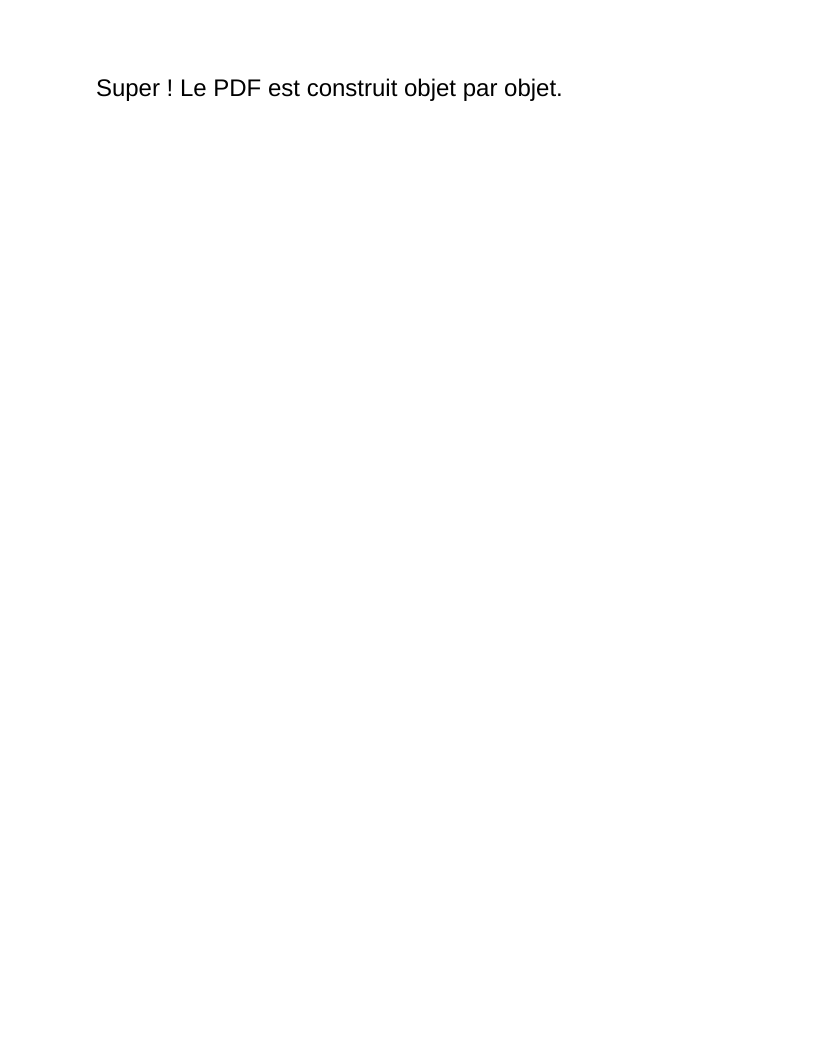
This file was generated with the code in this documentation. All pages appear below; open the PDF to use its links and bookmarks.
Use the browser PDF viewer
This viewer depends on your browser. If the document does not appear, use “Open the PDF” or “Download”.
Complete source code
Code from roukmoute/pdf · View the source at the documented commit ↗
Read the commented script: hello-world.php
<?php

declare(strict_types=1);

use PDF\Document\DocumentInformation;
use PDF\Document\Fonts\StandardFont;
use PDF\Document\Fonts\Type1Font;
use PDF\Document\Information\Title;
use PDF\Document\ResourceDictionary;
use PDF\Document\Resources\Font;
use PDF\FileStructure;
use PDF\Syntax\ContentStreamsResources\ContentStreams;
use PDF\Syntax\ContentStreamsResources\Operators\BeginTextObject;
use PDF\Syntax\ContentStreamsResources\Operators\EndTextObject;
use PDF\Syntax\ContentStreamsResources\Operators\MoveTextPosition;
use PDF\Syntax\ContentStreamsResources\Operators\SetTextFontAndSize;
use PDF\Syntax\ContentStreamsResources\Operators\ShowText;
use PDF\Syntax\DataStructure\Rectangle;
use PDF\Syntax\DataStructure\TextString;
use PDF\Syntax\DocumentStructure\DocumentCatalog;
use PDF\Syntax\DocumentStructure\PageTree\PageObject;
use PDF\Syntax\DocumentStructure\PageTree\PageTreeNode;
use PDF\Syntax\FileStructure\FileBody;
use PDF\Syntax\FileStructure\FileHeader;
use PDF\Syntax\Object\DictionaryObject\Entry;
use PDF\Syntax\Object\DictionaryType;
use PDF\Syntax\Object\IndirectReference;
use PDF\Syntax\Object\NameType;
use PDF\Syntax\Object\NumericType;
use PDF\Syntax\Object\StreamObject;
use PDF\Syntax\Object\StringObject\LiteralString;

require dirname(__DIR__) . '/vendor/autoload.php';

// Tutorial 01: docs/tutorials/01-first-document.md.
// This file builds a graph of PDF objects, then delegates writing to the writer.

// 1. Declare a font and give it a local name in page resources.
// /F1 is the name used by Tf; /Helvetica is the standard font name.
// The reference targets the font instance. Its number is assigned during writing.
$helvetica = new Type1Font(StandardFont::Helvetica);
$resources = new ResourceDictionary(
    new Font(new DictionaryType(
        new Entry(new NameType('F1'), new IndirectReference($helvetica)),
    )),
);
// 2. Describe text with PDF instructions: BT, Tf, Td, Tj, ET.
// BT/ET enclose the text object. Tf selects /F1 at 18 units; Td moves
// the text origin to (72, 720). In this page space, y increases upwards
// and a unit defaults to 1/72 inch. Tj receives bytes, here in ASCII.
// ContentStreams retains operators; StreamObject turns them into a PDF stream.
$contents = new StreamObject(new ContentStreams(
    new BeginTextObject(),
    new SetTextFontAndSize(new NameType('F1'), new NumericType(18)),
    new MoveTextPosition(new NumericType(72), new NumericType(720)),
    new ShowText(new LiteralString('Super ! Le PDF est construit objet par objet.')),
    new EndTextObject(),
));
// 3. Assemble the page: /MediaBox is a rectangle [x_min y_min x_max y_max].
// 612 x 792 corresponds to Letter size. The page connects resources and content.
$page = new PageObject(
    new Rectangle(new NumericType(0), new NumericType(0), new NumericType(612), new NumericType(792)),
    $resources,
    $contents,
);
// 4. Attach the page to the /Pages tree, then connect its root to /Catalog.
// The graph calculates /Parent, /Kids and /Count; they are not filled manually.
$pages = (new PageTreeNode())->addKid($page);
$catalog = new DocumentCatalog($pages);
// 5. Add a document title in /Info. TextString explicitly encodes this Unicode
// value; this string does not represent the glyphs displayed by Tj.
$information = new DocumentInformation(new Title(new TextString('Un PDF entièrement objet')));
$file = new FileStructure(
    new FileHeader('1.7'),
    new FileBody($catalog),
    new IndirectReference($catalog),
    new DictionaryType(new Entry(new NameType('Info'), new IndirectReference($information))),
);
// 6. Write the file. The writer traverses references, assigns numbers,
// measures stream bytes and produces the xref table and trailer.
// The first argument selects the destination from the CLI command.
$path = $argv[1] ?? __DIR__ . '/hello-world.pdf';
$file->writeTo($path);
echo $path . PHP_EOL;