Tutorial path · Previous: graphics · Next: links
Goal and prerequisites
Create three pages, a hierarchical bookmark outline and named destinations. The first document and pages and text tutorials already explain resources, streams and the page tree. Install dependencies with composer install; PHP 8.3 or later and the extensions listed by Composer are required.
The complete script is examples/navigation.php. Each step is commented; it runs independently and does not use files generated by other tutorials.
Run and inspect
From the root of a core checkout:
php examples/navigation.php
# Custom destination, in an existing directory:
php examples/navigation.php navigation-demo.pdf
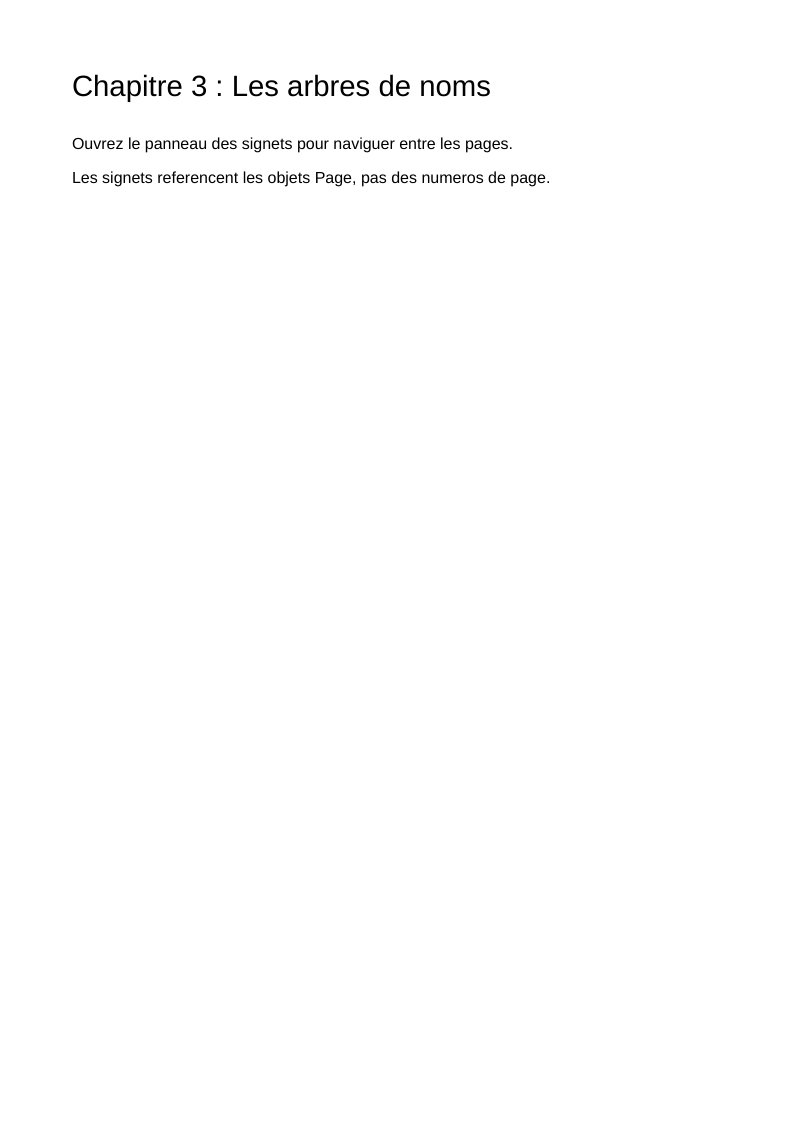
Without an argument, the file is examples/navigation.pdf. Open the PDF in a reader with a bookmarks panel. The result contains three chapters. The bookmark “Comprendre la navigation” has three children; clicking the second displays the second chapter at 100% zoom. The others fit the entire page. The catalog requests that the panel be opened, but the reader decides how to honor that preference.

The preview is an image of the page; bookmarks belong to the PDF's interactive structure, outside its drawing.
Read the construction
- Pages and outlines are separate trees.
PageTreeNode::addKid()determines reading order.OutlineDictionary::addItem()andOutlineItem::addItem()build an independent outline: its editorial hierarchy can differ from the page hierarchy. - A destination targets a Page object.
new Fit($page)builds the array[page-reference /Fit]. The page number displayed by a reader follows from the page's position in the tree; it is not the identifier used by this destination. XYZspecifies the view. The script passes threeNumericTypeobjects with values 0, 842 and 1: the target is the top edge of the page and zoom is 1, or 100%. A PHPnullparameter becomes a PDFnullobject, asking the reader to preserve that parameter from the current view. For zoom, the specification also gives value 0 that meaning.- Outline links are derived. Outline objects produce
/Parent,/Prev,/Next,/First,/Lastand/Countfrom their attachments. Titles areTextStringvalues: they can contain accented characters here, independently of the encoding used for text drawn with Helvetica. - Named destinations provide stable keys.
NameTreeassociateschapitre-1,chapitre-2andchapitre-3with explicit destinations. Its keys are byte strings represented byLiteralStringand sorted by the tree object.NameDictionaryexposes it under/Dests, and the catalog entryNamesexposes that under/Names. - The catalog connects everything.
new Outlines(new IndirectReference($outline))satisfies this entry's indirect-reference requirement.PageMode::UseOutlinesdefines the interface preference;OpenAction($firstPage)defines the initial view.
The script publishes named destinations to show their construction. Its bookmarks use Fit and XYZ directly; the presence of a name tree does not automatically turn these targets into named destinations.
Mapping to ISO 32000-1:2008
| Object or entry | Role | Reference |
|---|---|---|
PageTreeNode, PageObject |
Page tree | §7.7.3, Tables 29 and 30 |
/Names, NameDictionary |
Name trees accessible from the catalog | §7.7.4, Table 31 |
NameTree, NameTreeEntry |
Associate strings with values | §7.9.6 |
Fit, XYZ |
Explicit destinations | §12.3.2.2, Table 151 |
/Names /Dests |
Named destinations | §12.3.2.3 |
OutlineDictionary, OutlineItem |
Document outline | §12.3.3, Tables 152 and 153 |
/PageMode, /OpenAction, /Outlines |
Preferences and access from the catalog | §7.7.2, Table 28 |
These references point to the specification preserved in the core, also used by the generated definitions.
Variations and limitations
Pass expanded: false to the constructor of an OutlineItem with children to present it initially collapsed. Replace Fit with XYZ to specify the view; other classes in namespace PDF\Document\Destinations represent the specification's fitting modes.
To activate a named destination from an annotation, use DestEntry(new LiteralString('chapitre-2')) in a document whose catalog publishes that key under /Names /Dests. The next tutorial shows annotation construction and the variation using an explicit destination.
The outline does not draw a visible table of contents on the pages. A printable table of contents needs text operators and, optionally, link annotations. Each reader interprets zoom settings and the request to open the panel.
Back to the tutorial path · Continue: internal and external links
View the PDF result
This file was generated with the code in this documentation. All pages appear below; open the PDF to use its links and bookmarks.


Use the browser PDF viewer
This viewer depends on your browser. If the document does not appear, use “Open the PDF” or “Download”.
Complete source code
Code from roukmoute/pdf · View the source at the documented commit ↗
Read the commented script: navigation.php
<?php

declare(strict_types=1);

use PDF\Document\Destinations\Fit;
use PDF\Document\Destinations\XYZ;
use PDF\Document\Fonts\StandardFont;
use PDF\Document\Fonts\Type1Font;
use PDF\Document\OutlineDictionary;
use PDF\Document\OutlineItem;
use PDF\Document\PageMode;
use PDF\Document\ResourceDictionary;
use PDF\Document\Resources\Font;
use PDF\FileStructure;
use PDF\Syntax\ContentStreamsResources\ContentStreams;
use PDF\Syntax\ContentStreamsResources\Operators\BeginTextObject;
use PDF\Syntax\ContentStreamsResources\Operators\EndTextObject;
use PDF\Syntax\ContentStreamsResources\Operators\MoveTextPosition;
use PDF\Syntax\ContentStreamsResources\Operators\SetTextFontAndSize;
use PDF\Syntax\ContentStreamsResources\Operators\ShowText;
use PDF\Syntax\DataStructure\NameTree;
use PDF\Syntax\DataStructure\NameTreeEntry;
use PDF\Syntax\DataStructure\Rectangle;
use PDF\Syntax\DataStructure\TextString;
use PDF\Syntax\DocumentStructure\CatalogDictionary\Names;
use PDF\Syntax\DocumentStructure\CatalogDictionary\OpenAction;
use PDF\Syntax\DocumentStructure\CatalogDictionary\Outlines;
use PDF\Syntax\DocumentStructure\CatalogDictionary\PageMode as CatalogPageMode;
use PDF\Syntax\DocumentStructure\DocumentCatalog;
use PDF\Syntax\DocumentStructure\NameDictionary;
use PDF\Syntax\DocumentStructure\PageTree\PageObject;
use PDF\Syntax\DocumentStructure\PageTree\PageTreeNode;
use PDF\Syntax\FileStructure\FileBody;
use PDF\Syntax\FileStructure\FileHeader;
use PDF\Syntax\Object\DictionaryObject\Entry;
use PDF\Syntax\Object\DictionaryType;
use PDF\Syntax\Object\IndirectReference;
use PDF\Syntax\Object\NameType;
use PDF\Syntax\Object\NumericType;
use PDF\Syntax\Object\StreamObject;
use PDF\Syntax\Object\StringObject\LiteralString;

require dirname(__DIR__) . '/vendor/autoload.php';

// 1. All three pages share the same font and resource dictionary.
// /F1 is a local name used by Tf, not the font name.
$font = new Type1Font(StandardFont::Helvetica);
$resources = new ResourceDictionary(new Font(new DictionaryType(
    new Entry(new NameType('F1'), new IndirectReference($font)),
)));
$mediaBox = new Rectangle(new NumericType(0), new NumericType(0), new NumericType(595), new NumericType(842));
$pages = new PageTreeNode();
$chapterPages = [];

// 2. addKid() order is reading order. Content strings remain
// ASCII here; TextString will be used for bookmark titles.
foreach (['Le graphe du document', 'Les destinations', 'Les arbres de noms'] as $index => $chapter) {
    $contents = new StreamObject(new ContentStreams(
        new BeginTextObject(),
        new SetTextFontAndSize(new NameType('F1'), new NumericType(22)),
        new MoveTextPosition(new NumericType(54), new NumericType(770)),
        new ShowText(new LiteralString('Chapitre ' . ($index + 1) . ' : ' . $chapter)),
        new SetTextFontAndSize(new NameType('F1'), new NumericType(12)),
        new MoveTextPosition(new NumericType(0), new NumericType(-40)),
        new ShowText(new LiteralString('Ouvrez le panneau des signets pour naviguer entre les pages.')),
        new MoveTextPosition(new NumericType(0), new NumericType(-26)),
        new ShowText(new LiteralString('Les signets referencent les objets Page, pas des numeros de page.')),
        new EndTextObject(),
    ));
    $page = new PageObject($mediaBox, $resources, $contents);
    $pages->addKid($page);
    $chapterPages[] = $page;
}

// 3. /Fit fits the whole page. /XYZ selects a point and zoom (1 = 100%).
// These destination arrays contain an indirect reference to the Page.
$firstPage = new Fit($chapterPages[0]);
$secondPage = new XYZ($chapterPages[1], new NumericType(0), new NumericType(842), new NumericType(1));
$thirdPage = new Fit($chapterPages[2]);

// 4. An outline (Outlines) is a hierarchy separate from the page tree.
// /Parent, /Prev, /Next, /First, /Last and /Count are derived from
// attachments. Each item must belong to only one parent.
$outline = new OutlineDictionary();
$overview = new OutlineItem(new TextString('Comprendre la navigation'), $firstPage);
$overview->addItem(new OutlineItem(new TextString('1. Le graphe du document'), $firstPage));
$overview->addItem(new OutlineItem(new TextString('2. Les destinations - zoom à 100 %'), $secondPage));
$overview->addItem(new OutlineItem(new TextString('3. Les arbres de noms'), $thirdPage));
$outline->addItem($overview);

// 5. /Names /Dests associates a stable string with an explicit destination.
// A NameTree key is a byte string, not a NameType (/Nom).
// NameTree sorts its keys; links can then target a key without
// knowing the chapter's position in the page tree.
$destinations = new NameTree(
    new NameTreeEntry(new LiteralString('chapitre-3'), $thirdPage),
    new NameTreeEntry(new LiteralString('chapitre-1'), $firstPage),
    new NameTreeEntry(new LiteralString('chapitre-2'), $secondPage),
);
$names = new NameDictionary(new Entry(new NameType('Dests'), new IndirectReference($destinations)));

// 6. The catalog makes outlines and destinations accessible. /Outlines
// requires an indirect reference. /PageMode requests bookmark display;
// readers remain free to honor this interface preference.
$catalog = new DocumentCatalog(
    $pages,
    new Outlines(new IndirectReference($outline)),
    new Names($names),
    new CatalogPageMode(PageMode::UseOutlines),
    new OpenAction($firstPage),
);
$file = new FileStructure(new FileHeader('1.7'), new FileBody($catalog), new IndirectReference($catalog));
$path = $argv[1] ?? __DIR__ . '/navigation.pdf';
$file->writeTo($path);
echo $path . PHP_EOL;