First document
Font, content, page and catalog.
Read and view the PDF →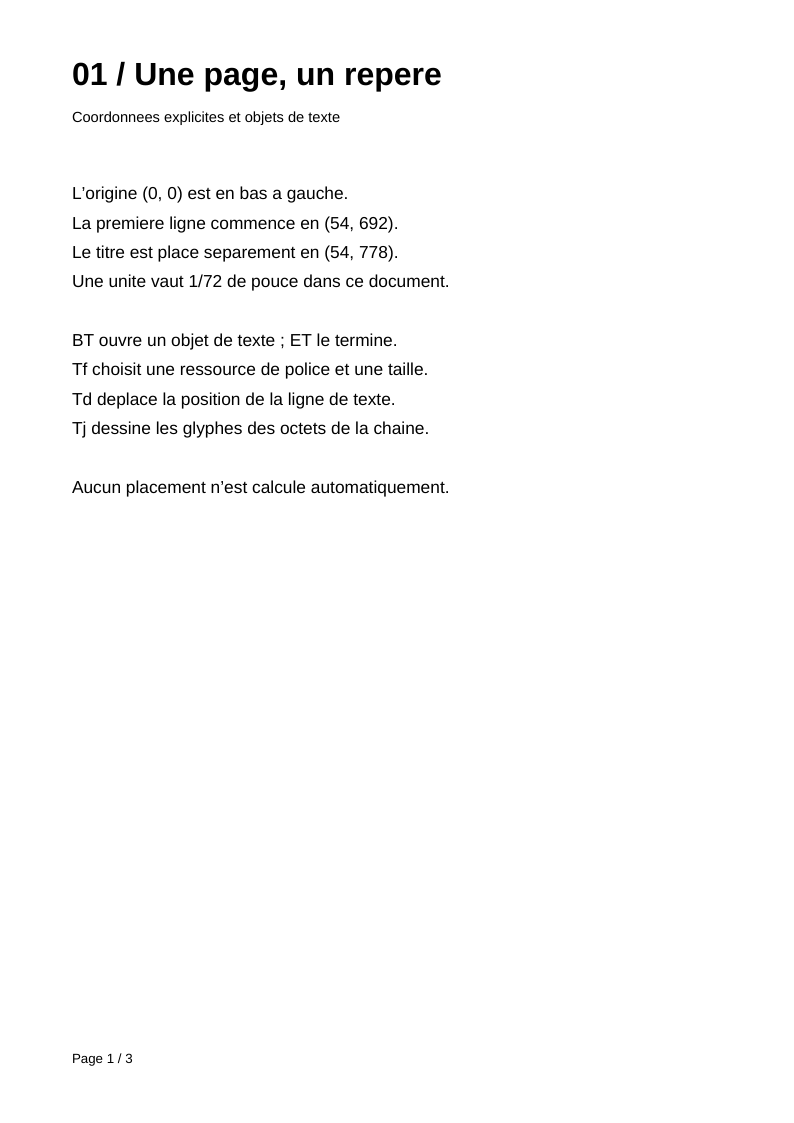
Pages and text
Shared resources, inheritance and explicit lines.
Read and view the PDF →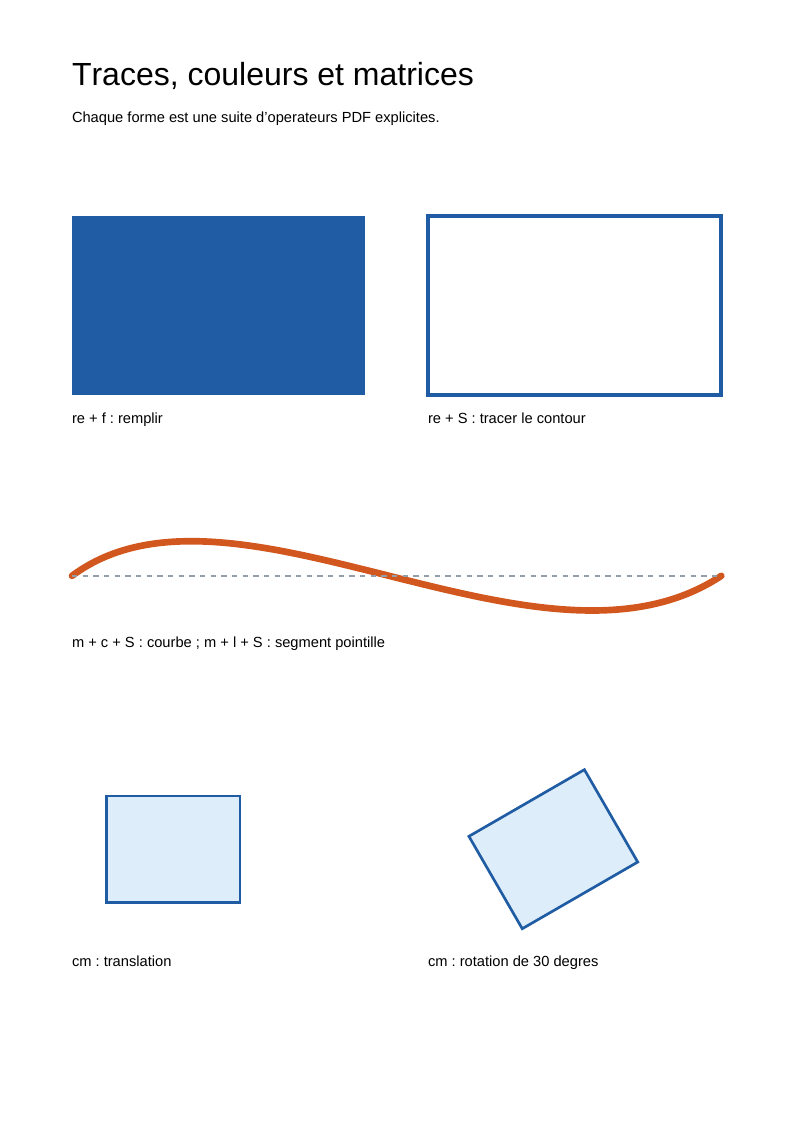
Drawing and transformations
Paths, colours, curves and matrices.
Read and view the PDF →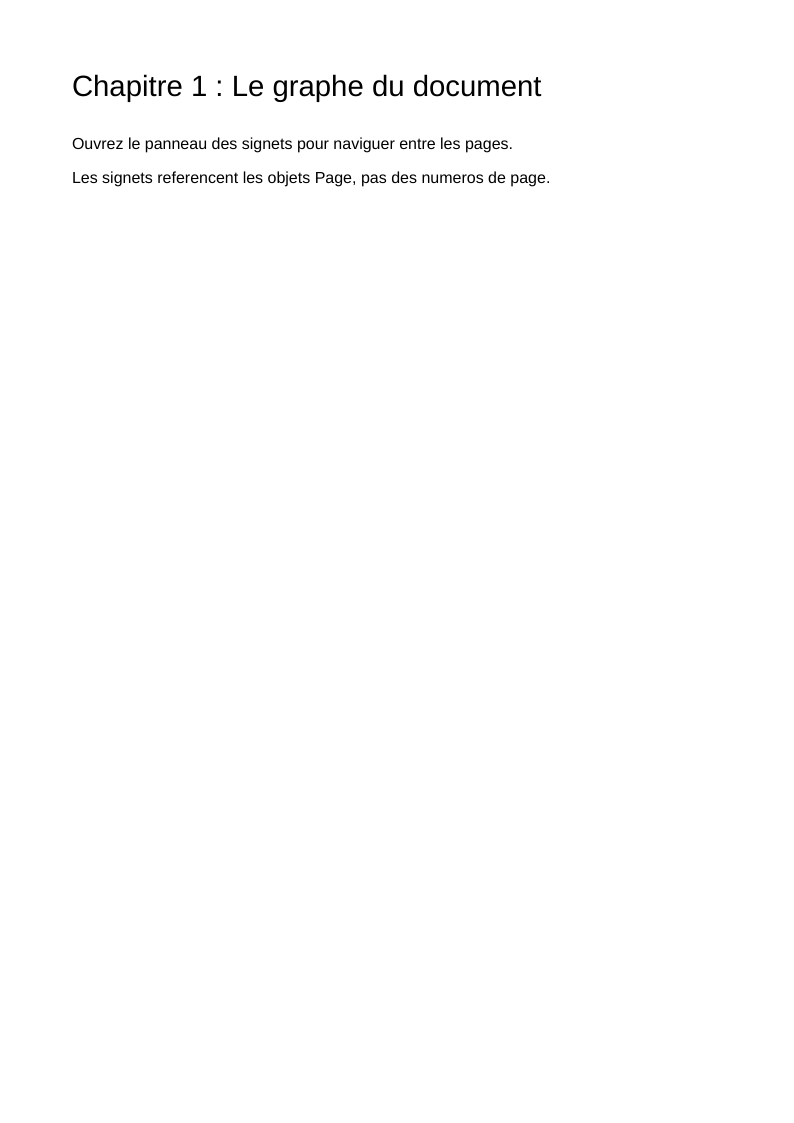
Bookmarks and destinations
A hierarchical outline and named destinations.
Read and view the PDF →
Clickable links
Internal annotations and URI actions.
Read and view the PDF →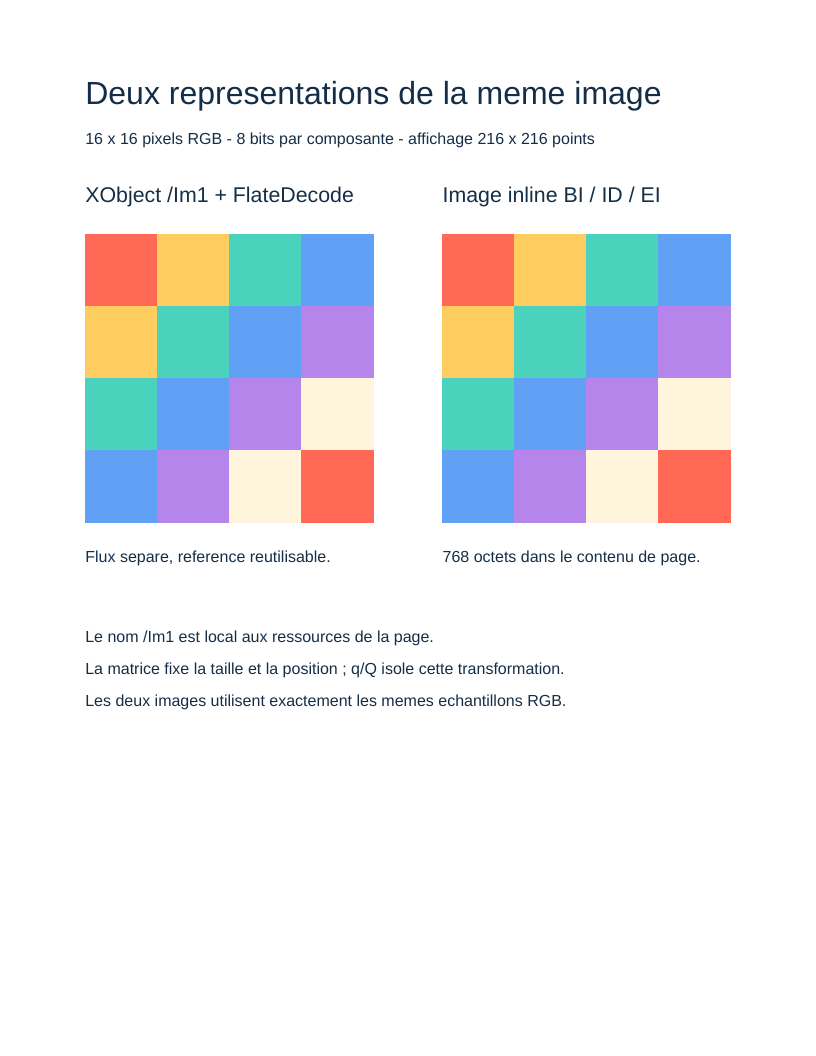
Images
An RGB pattern as an XObject and an inline image.
Read and view the PDF →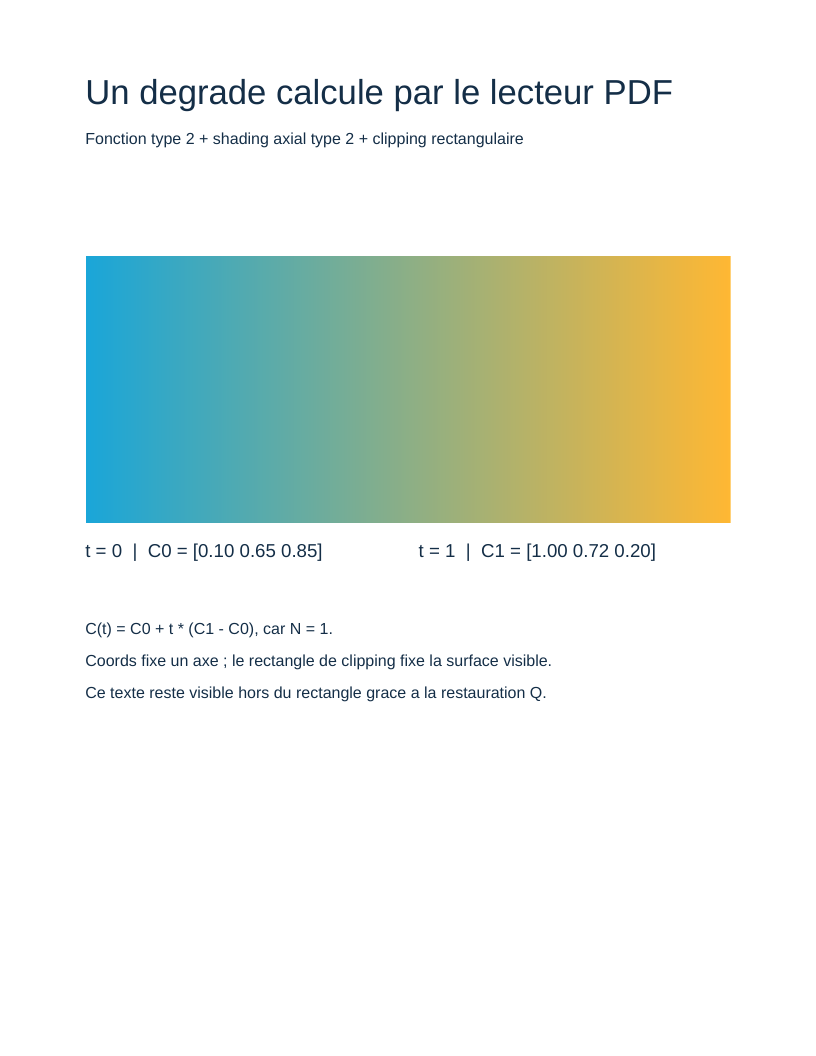
Gradient and function
A type 2 function drives axial shading.
Read and view the PDF →
Compressed objects
Filters, object streams and cross-references.
Read and view the PDF →
TrueType font and Unicode
Embedded program, CID, metrics and Unicode mapping.
Read and view the PDF →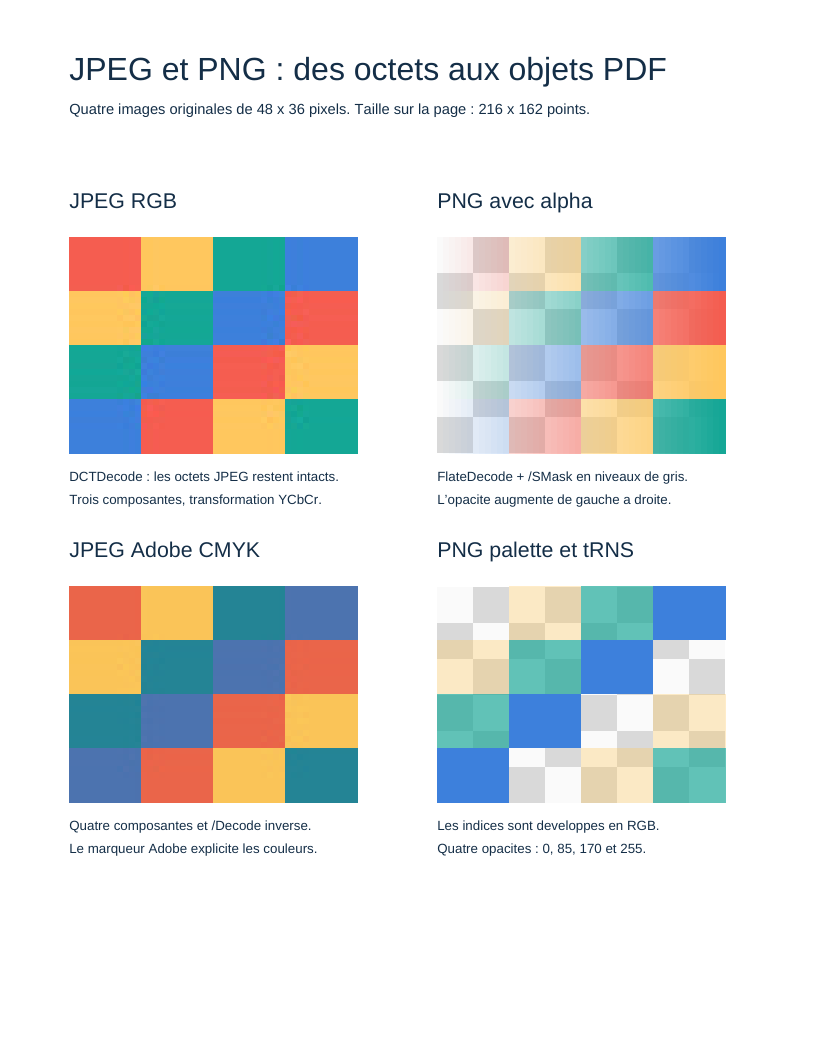
JPEG and PNG images
Image files, colours, samples and transparency.
Read and view the PDF →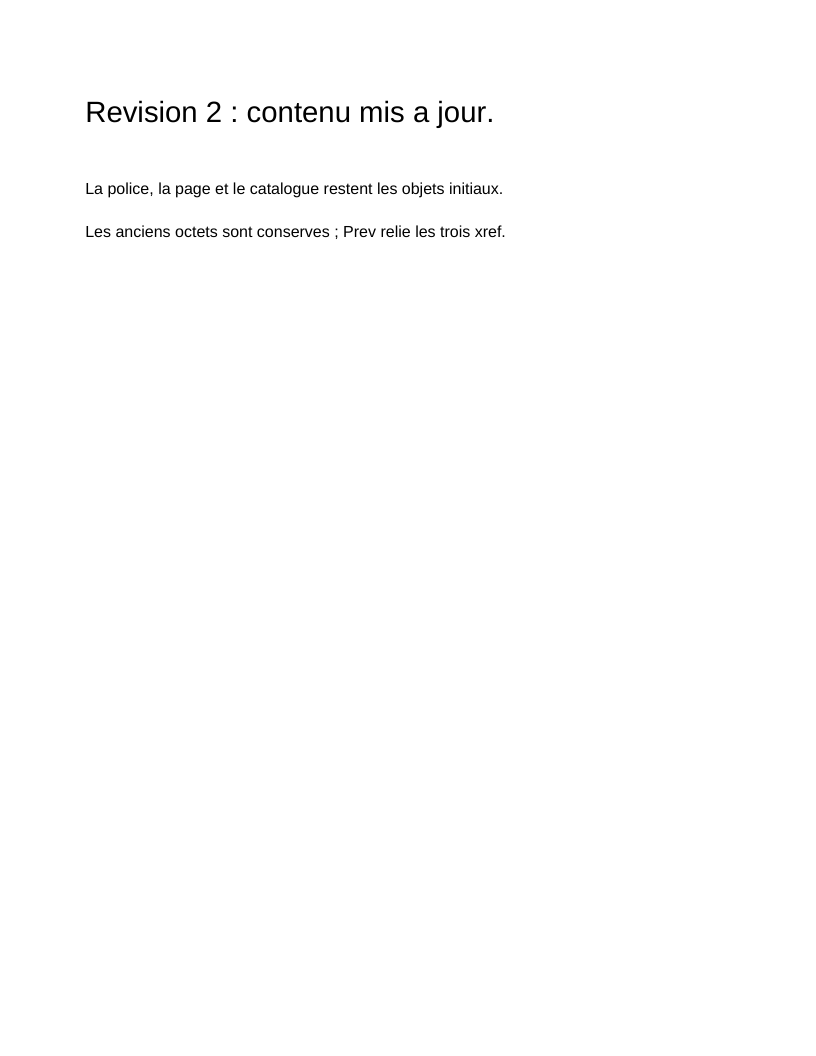
Incremental revisions
Preserved bytes, explicit replacements and chained cross-references.
Read and view the PDF →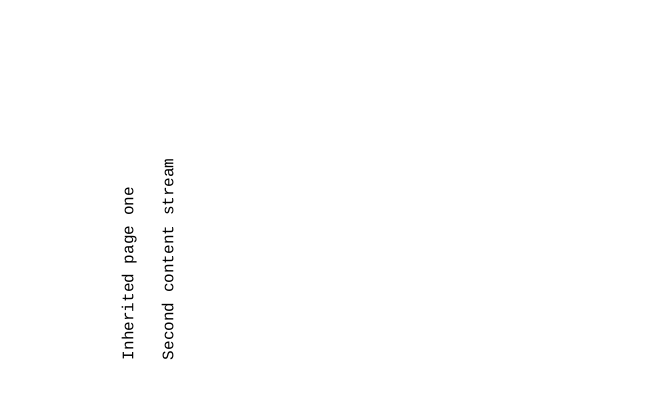
Reading pages from an external PDF
Validated tree, inherited attributes and explicitly decoded streams.
Read and view the PDF →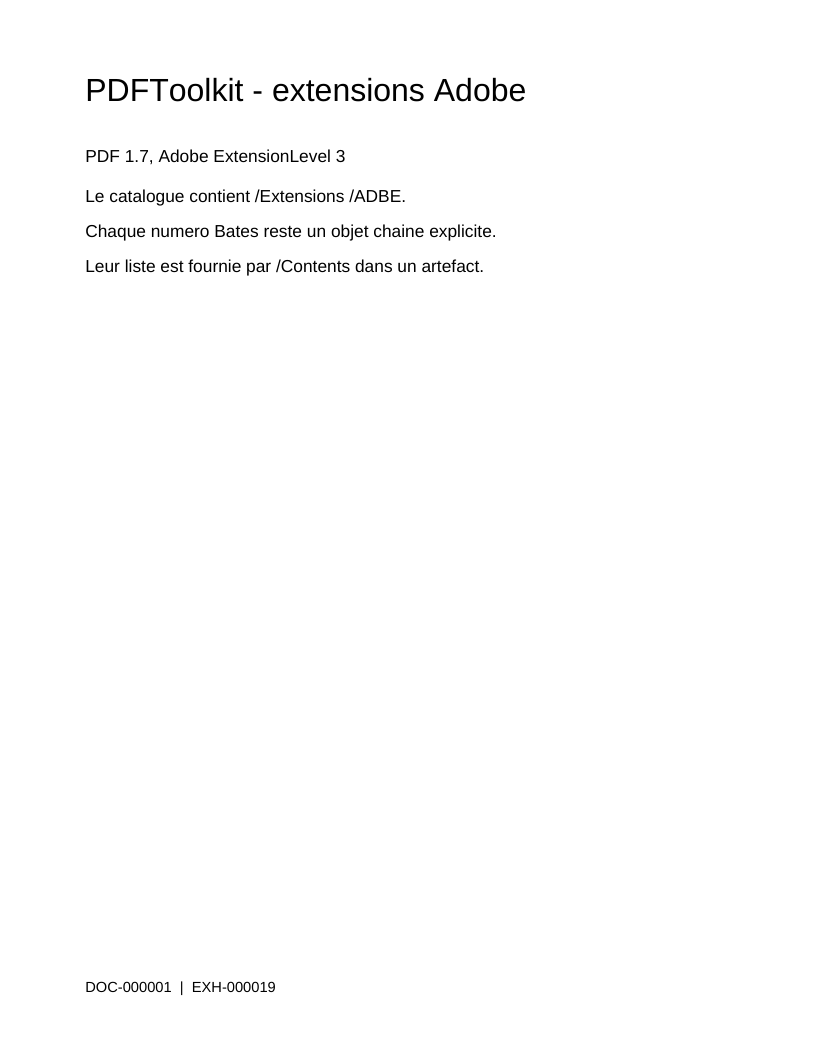
Adobe extensions and Bates numbering
Extension declarations, artifacts and document numbering.
Read and view the PDF →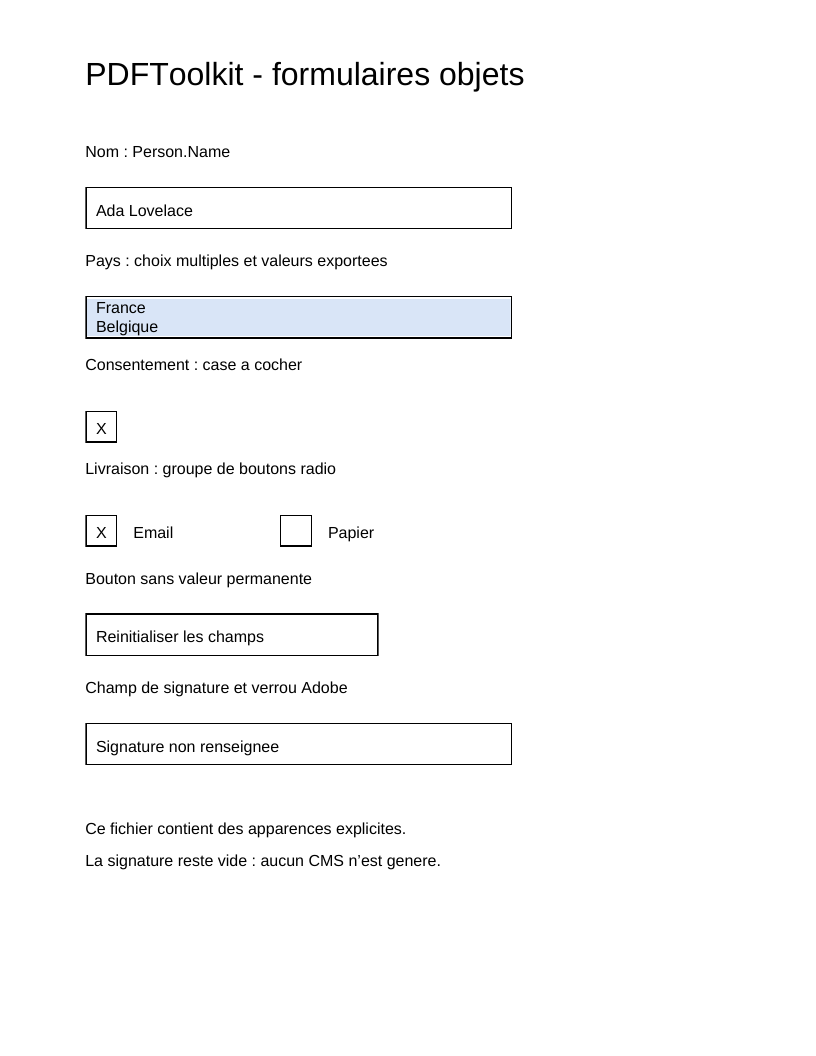
AcroForm fields and appearances
Field trees, widgets, values and appearances.
Read and view the PDF →
Logical structure and tagged content
Reading order, MCID, ParentTree and annotation links.
Read and view the PDF →
Linearization
Physical object order, dependencies and binary hints.
Read and view the PDF →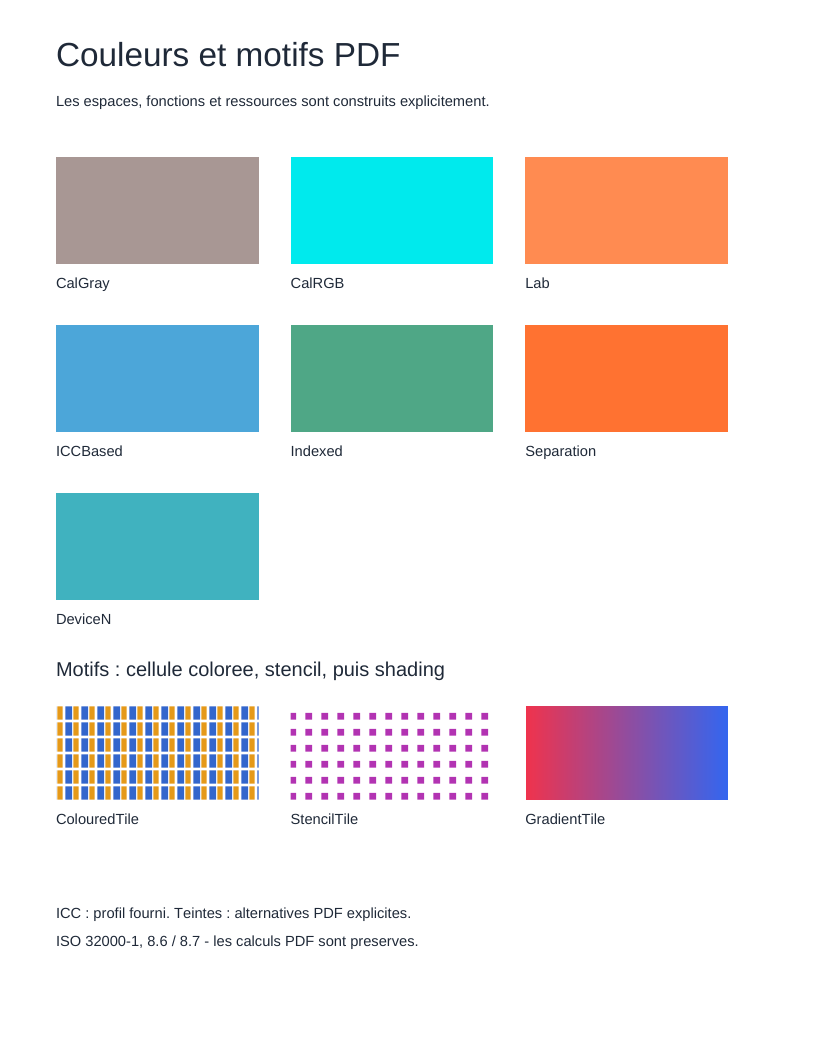
Colours, patterns and gradients
Colour spaces, repeated cells and seven shading types.
Read and view the PDF →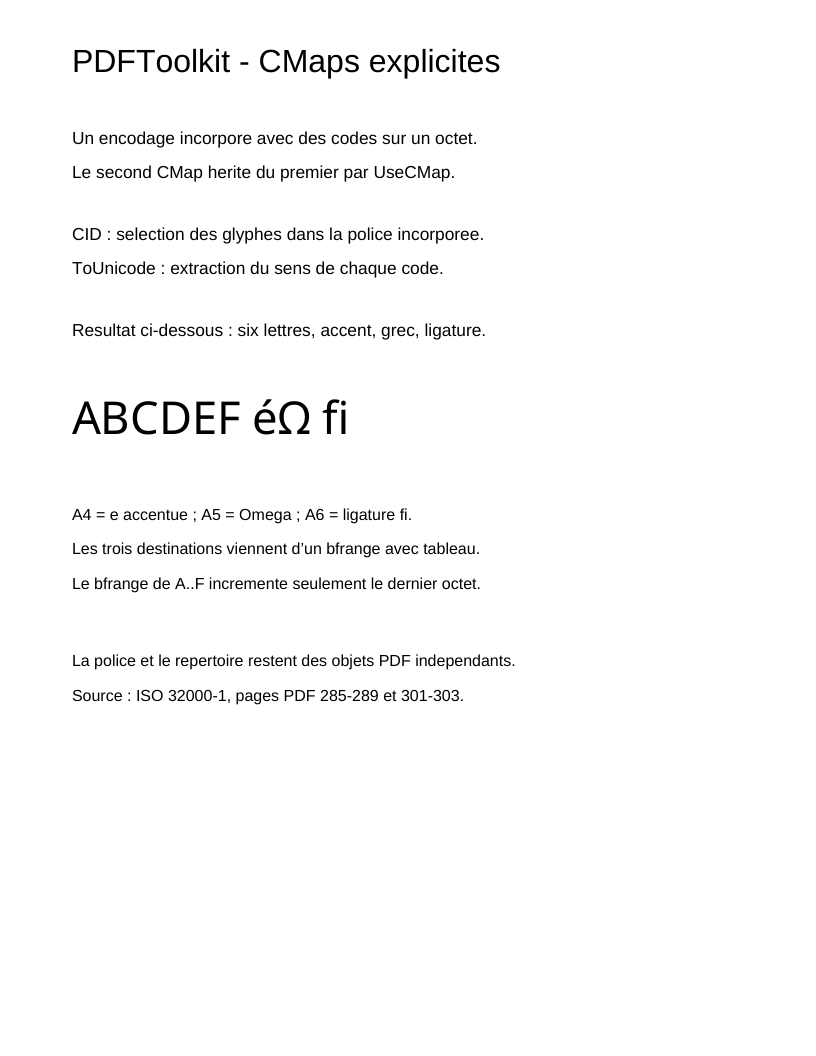
CMaps and Unicode
Composite encoding, CID, UseCMap and Unicode extraction.
Read and view the PDF →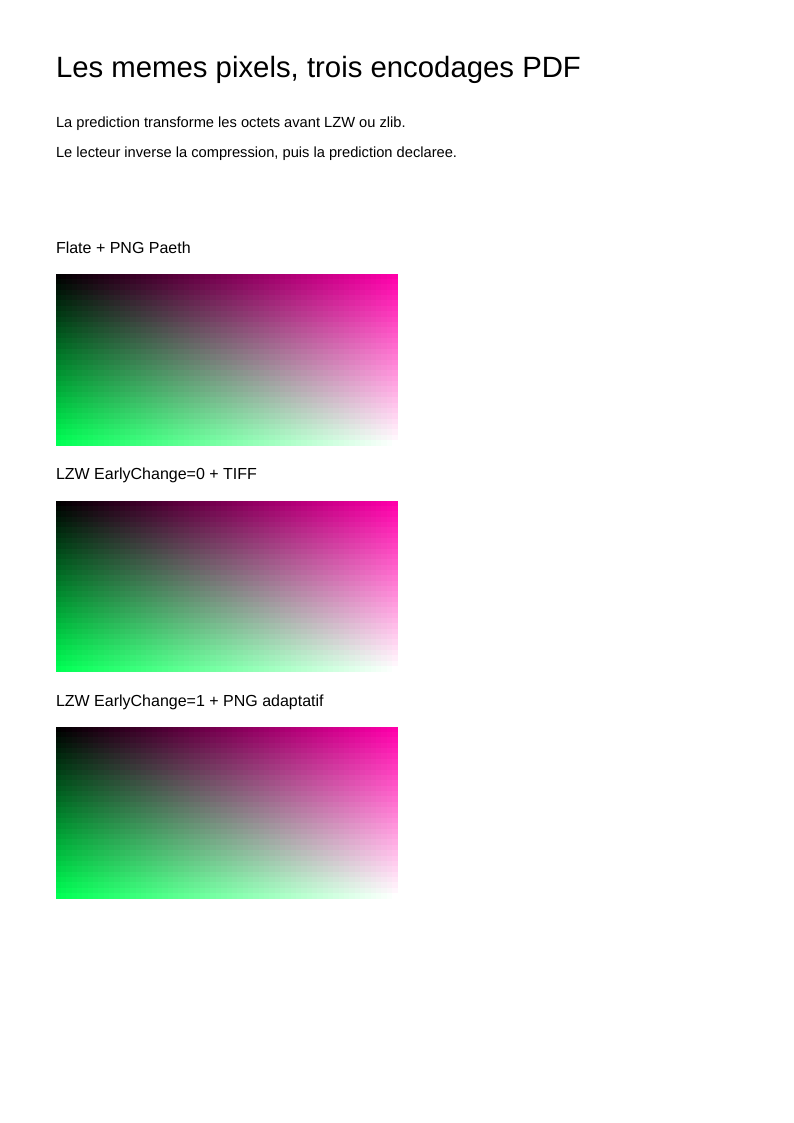
Filters and predictors
LZW and TIFF/PNG row prediction before compression.
Read and view the PDF →
PDF signatures
Reserved Contents, ByteRange and an explicit CMS signature.
Read and view the PDF →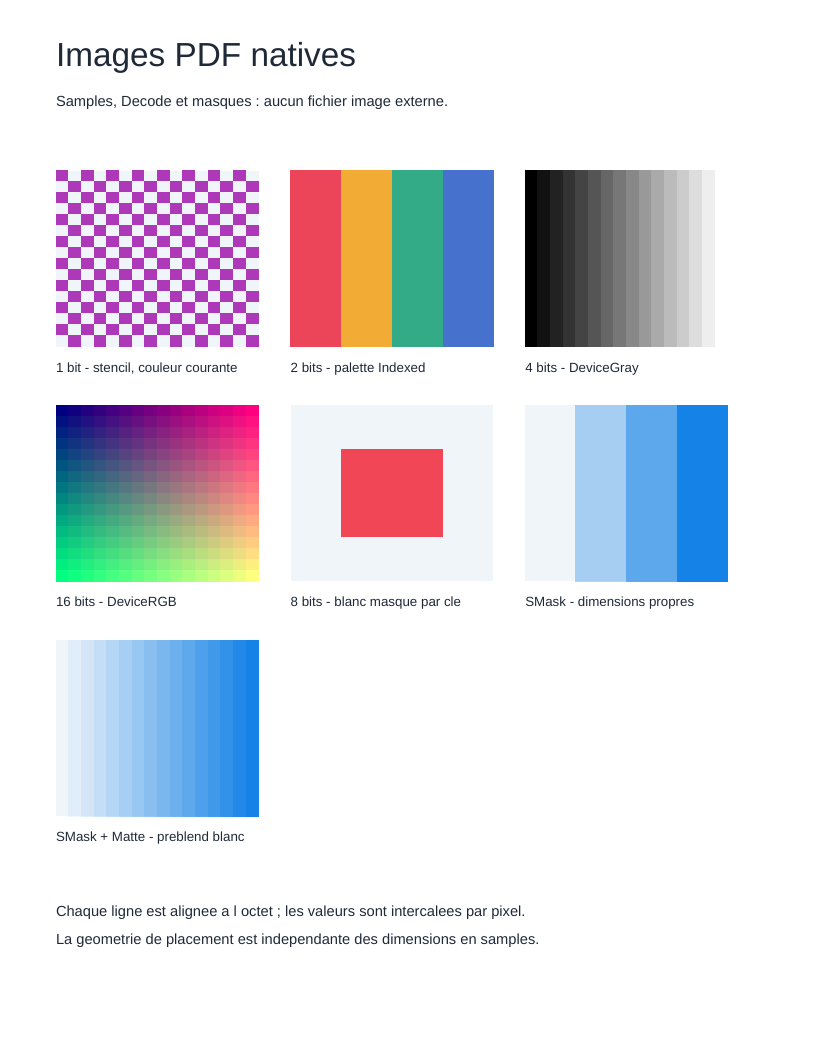
Images, transparency and layers
Bit depths, masks, groups, ExtGState and optional content.
Read and view the PDF →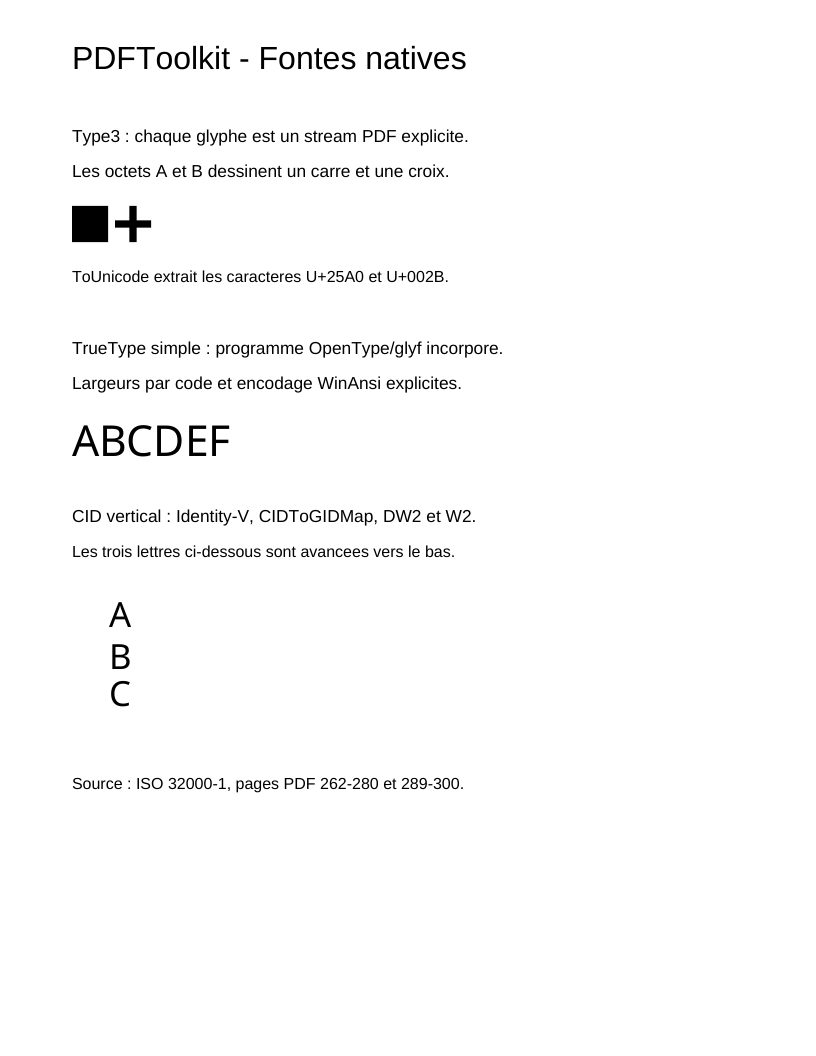
Native fonts and vertical writing
Type3, simple fonts, PDF programs and vertical metrics.
Read and view the PDF →
Navigation, articles and presentation
Labels, viewports, article rings and sequences.
Read and view the PDF →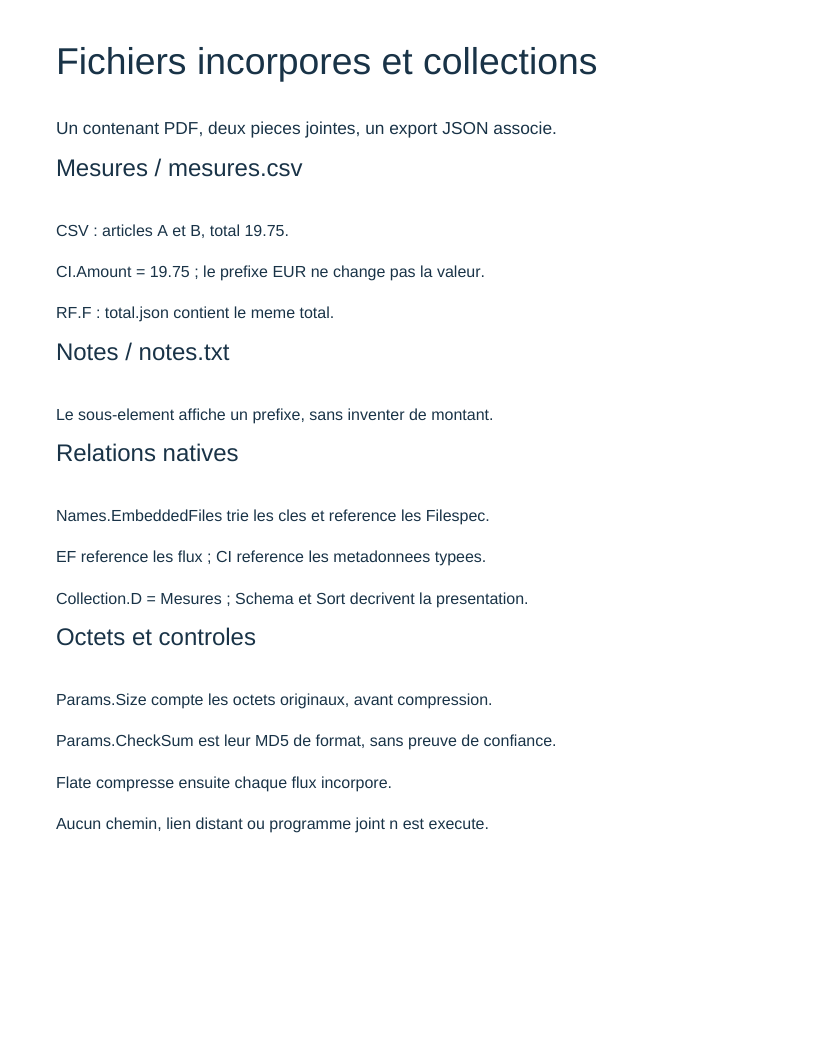
Embedded files and collections
Bytes, metadata, EF/RF/CI and collection presentation.
Read and view the PDF →
Deletion and generations
Free list, reuse and historical identities.
Read and view the PDF →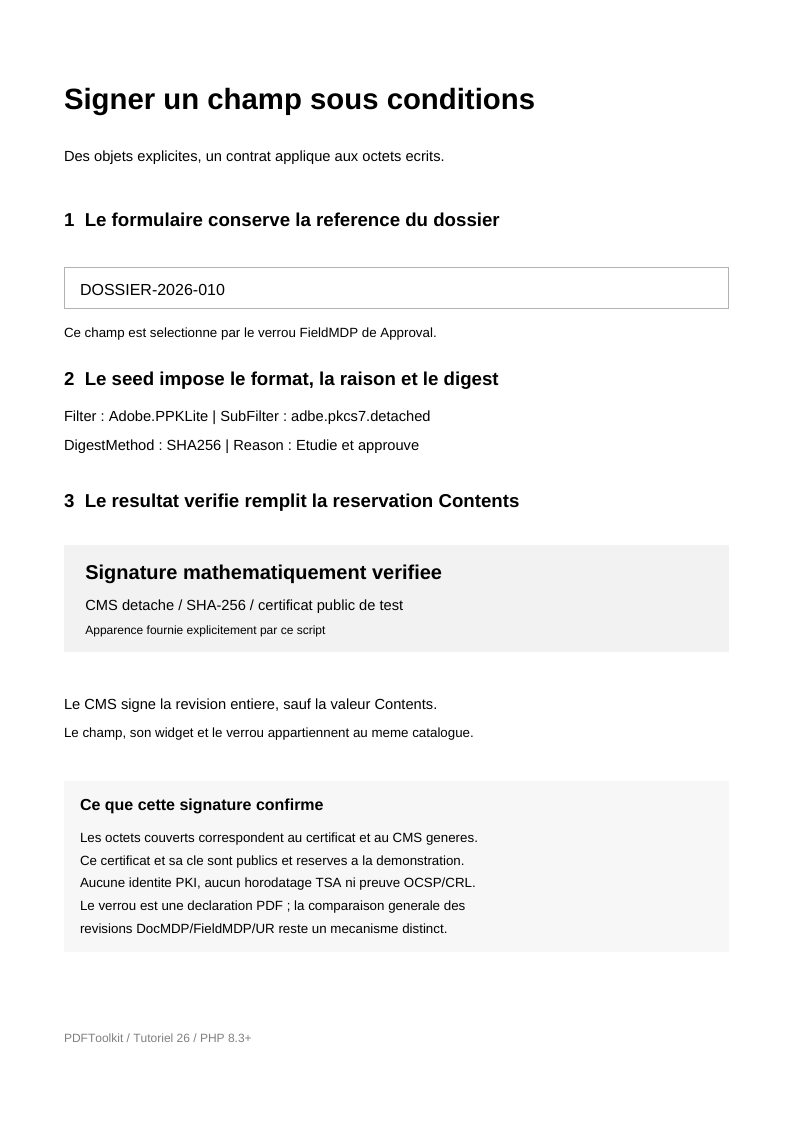
Signature field policy
Seed values, lock, appearance and evidence of the actual signed result.
Read and view the PDF →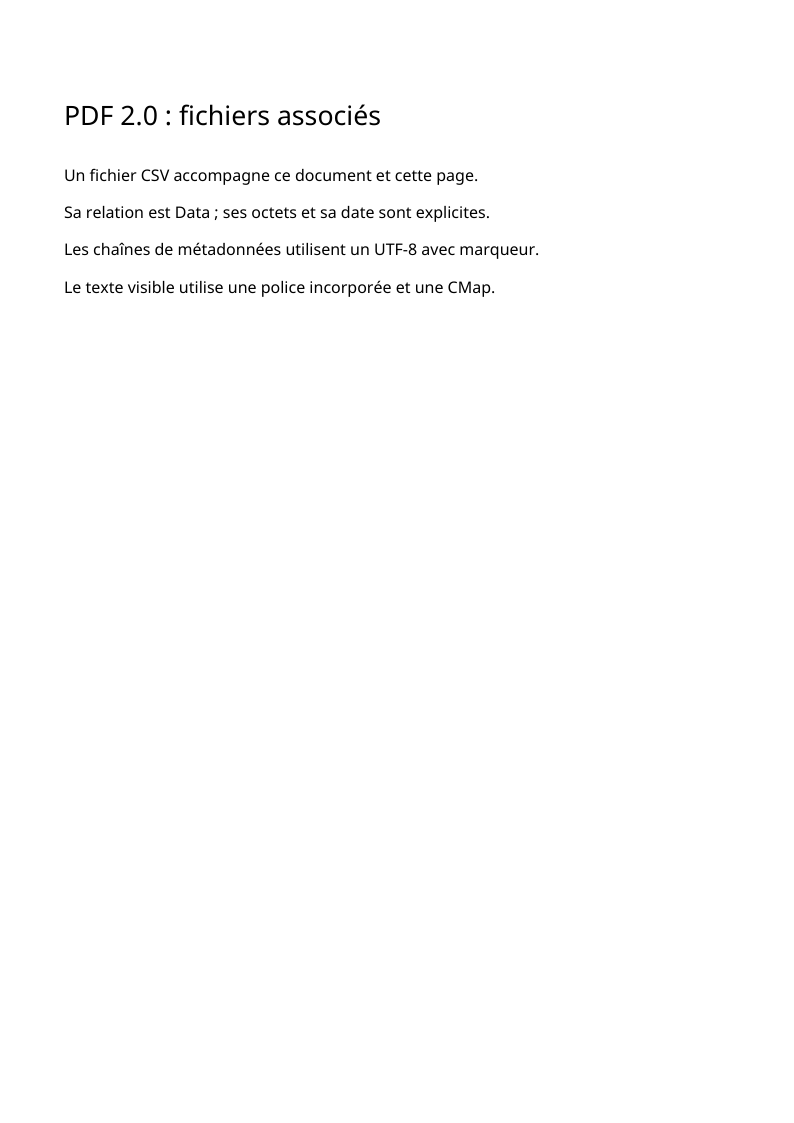
PDF 2.0 and associated files
UTF-8 metadata, AF files and named MCAF properties.
Read and view the PDF →These tutorials explain how a PDF file connects its values, dictionaries,
resources and drawing instructions. Each lesson accompanies a complete,
commented, executable script. Examples use the published core and module
versions selected by the source manifest.
The build verifies their exact commits and agreement with the core source
checkout's composer.lock.
Lessons 09, 10 and 27 use the optional pdftoolkit/pdf-fonts and
pdftoolkit/pdf-images modules, installed as development dependencies in the
core checkout. Their PDF objects remain in the core. The package guide
explains how to install only the mechanisms an application needs and presents
the external reader pdftoolkit/pdf-reader, used in lesson 12.
The learning path takes inspiration from the organization of the FPDF tutorials and script collection. Here, format objects remain visible: a font is a resource, a page belongs to a tree and a line of text is a sequence of operators.
Install the libraries in an application
The core and modules are available on Packagist. From your project:
composer require "roukmoute/pdf:^0.6.1"
Lessons 09, 10 and 12 use pdftoolkit/pdf-fonts, pdftoolkit/pdf-images and
pdftoolkit/pdf-reader respectively. The
package guide gives their
installation commands. The application loads its own vendor/autoload.php
and assembles the objects presented in the lessons.
Prepare the repository
PHP 8.3 or later and the ctype, iconv and zlib extensions are required.
Lesson commands run from the root of a PDFToolkit/pdf core checkout.
Markdown files and site construction belong to PDFToolkit/pdftoolkit.github.io;
see the build instructions to prepare sources at the
documented versions. From the core checkout:
export COMPOSER_ROOT_VERSION=0.6.x-dev
composer install
php examples/hello-world.php
Under PowerShell, set $env:COMPOSER_ROOT_VERSION = '0.6.x-dev' before
composer install. The checkout uses its composer.lock to install development
tools and all three modules at the documented versions.
Lessons 20 and 26 also require the openssl extension used by the signing
backend. The demonstration certificate and key are public test fixtures; the
guide explains how to supply an application-specific identity and trust policy.
The script writes examples/hello-world.pdf and displays its path. Open this
file in a PDF reader to compare output with code. Generation scripts under
examples/ accept an output path as their first argument:
php examples/hello-world.php mon-premier-document.pdf
The chosen path's parent directory must already exist. Scripts load
vendor/autoload.php; they can be run from another directory by supplying
their full path. Generated PDFs in examples/ are ignored by Git.
Lesson 12 uses a script installed with the reader module. Its argument names the PDF to read; the result is console output. Its tutorial presents the input PDF, all three pages and the objects read.
Learning path
| Step | Result and concepts | Complete code |
|---|---|---|
| 01. First document | A sentence, font, page, catalog and document title. | hello-world.php |
| 02. Pages and text | Multiple pages, shared resources, inheritance, positions and leading. | pages-and-text.php |
| 03. Drawing and transformations | Colors, paths, curves, graphics state and matrices. | graphics.php |
| 04. Bookmarks and destinations | A hierarchical outline and destinations targeting pages. | navigation.php |
| 05. Clickable links | Annotations with an internal destination and URI action. | links.php |
| 06. Images | The same pattern as an image XObject and an image inline in content. | images.php |
| 07. Gradient and function | A type 2 function supplies an axial shading. | gradient.php |
| 08. Compressed objects | Filters, object streams and cross-reference streams. | object-stream.php |
| 09. TrueType font and Unicode | Embedded program, CIDs, widths and ToUnicode mapping. | embedded-font.php |
| 10. JPEG and PNG images | JPEG inspection, PNG decoding, samples and transparency. | image-files.php |
| 11. Incremental revisions | Preserved bytes, replacements and xref chaining. | incremental-update.php |
| 12. Read an external PDF | Verified tree, inherited values and content streams inspected then decoded. | reader module's pages.php |
| 13. Adobe extensions and Bates numbering | Extension declarations, artifact properties and Bates footer. | adobe-extensions.php |
| 14. AcroForm fields | Tree, values, widgets and appearances. | acroform-fields.php |
| 15. Logical structure | Marked content, ParentTree, IDTree and annotations. | tagged-structure.php |
| 16. Linearization | Dependencies, physical order and binary hints. | linearized.php |
| 17. Colors and patterns | Spaces, repeating cells and seven shadings. | colours-patterns.php |
| 18. CMaps | UseCMap, CIDs and Unicode mappings. | cmap-font.php |
| 19. Filters and predictors | LZW compression, TIFF and PNG prediction. | filters-predictors.php |
| 20. Signatures | ByteRange, reservation and detached CMS. | signed-document.php |
| 21. Images, transparency and layers | Samples, masks, groups and visibility. | native-graphics.php |
| 22. Native fonts | Type3, simple fonts and vertical metrics. | native-fonts.php |
| 23. Native navigation | Labels, articles, view fitting and presentation. | native-navigation.php |
| 24. Embedded files | EF, RF, metadata and collections. | embedded-files.php |
| 25. Object generations | Deletion, free list and reuse. | object-lifecycle.php |
| 26. Signature policy | Field, seeds, lock and an actually signed result. | signature-field-policy.php |
| 27. PDF 2.0 and associated files | Unicode metadata, AF relationships and corrected named MCAF resources. | pdf20-associated-files.php |
After the first document, lessons 03 to 07 can be read in any order matching your interests. Lessons 08 and 11 concern file organization; lessons 09 and 10 add actual font programs and image files to the graph. Lesson 12 examines an existing PDF's structures using reader objects.
Lessons 14 and 15 construct form and tagged-content relationships. Lessons 16 and 20 demonstrate specialized writing: organizing bytes for linearization and reserving signature ranges. Lessons 17 to 19, 21 and 22 go further into colors, meshes, CMaps, filters, images, transparency and native fonts. Every PDF object and its resources remain explicitly assembled in the script.
A few terms before reading the code
| Object or term | Role |
|---|---|
NameType('F1') |
PDF name /F1. In a font resource, it is a local key chosen by the author. |
NumericType(72) |
A PDF number. In default user space, 72 units correspond to one inch. |
LiteralString |
Bytes intended for a PDF string. For Tj, the font and its encoding determine glyphs. |
TextString |
A document text string with explicit Unicode encoding when necessary, used for a title or bookmark, for example. |
Entry |
A NameType key and PDF value in a dictionary. Specialized entries express further constraints. |
IndirectReference |
A reference to an object instance. The writer determines its identifier in the file. |
ContentStreams |
The operator sequence describing page drawing or text. |
StreamObject |
A byte stream with its dictionary and optional filters. Its length is calculated during writing. |
ResourceDictionary |
Named resources operators can use: fonts, images, shadings, etc. |
PageTreeNode / DocumentCatalog |
The page tree and the document's entry point. |
A new page normally has its origin at the lower left and a vertical axis pointing upwards. A matrix or page rotation can change the relationship between coordinates and displayed results. Examples show coordinates explicitly.
with() constructs a new value: retain its return value. Page and bookmark
trees are assembled with addKid() and addItem(), which attach a child to
only one parent. The architecture guide explains this
difference in responsibilities.
Recipes and contributions
The recipe collection starts with a table combining text, rectangles and lines. It demonstrates a concrete presentation using objects already covered. The script calculates positions; the library's core remains the PDF model.
To propose a generation example, add a standalone script to the core's
examples/, then its guide and an index entry to the documentation repository.
Publish the package version and update the source manifest before documenting
new examples. A reading example keeps its script and fixtures in the module
repository; the site build declares their provenance. The guide must explain
expected output, objects used, parameters to change and limitations. A community
example may credit its author and cite its sources. Examples presented here
belong to the project; the list can welcome contributions through pull requests.
CI runs every examples/*.php script, then checks each PDF with qpdf. Locally,
with qpdf installed:
qpdf --check examples/hello-world.pdf
qpdf --qdf --object-streams=disable examples/hello-world.pdf document-lisible.pdf
The second command rewrites the PDF into a form useful for examining its objects. Syntax checks must be complemented by opening the document: a valid PDF can still have text outside the page or poor layout.
Go to the specification
Guides cite sections of PDF 1.7 / ISO 32000-1:2008 and the Adobe supplement. Coverage distinguishes definitions, constructions and rules actually verified. Signatures are part of the learning path; encryption objects have their own documentation. Font-program subsetting, complex-script composition, automatic line wrapping and importing external PDFs with remapping remain to be built. Previews demonstrate example rendering; they do not certify a document's full conformance, accessibility or certificate trust.