PHP 8.3+ · PDF 1.7 · ISO 32000-1
The PDF format.
Object by object.
Understand structures, compose objects and control the bytes. Explore the format and build your own PDF files.
DocumentCatalogPageTreeNodePageObjectStreamObject · ResourceDictionaryLearn with objects
Build a document and explore its pages
Each tutorial connects the explanations to PHP objects and the PDF being created or read. Explore its pages, script and execution result.

First document
Font, content, page and catalog.
Read and view the PDF →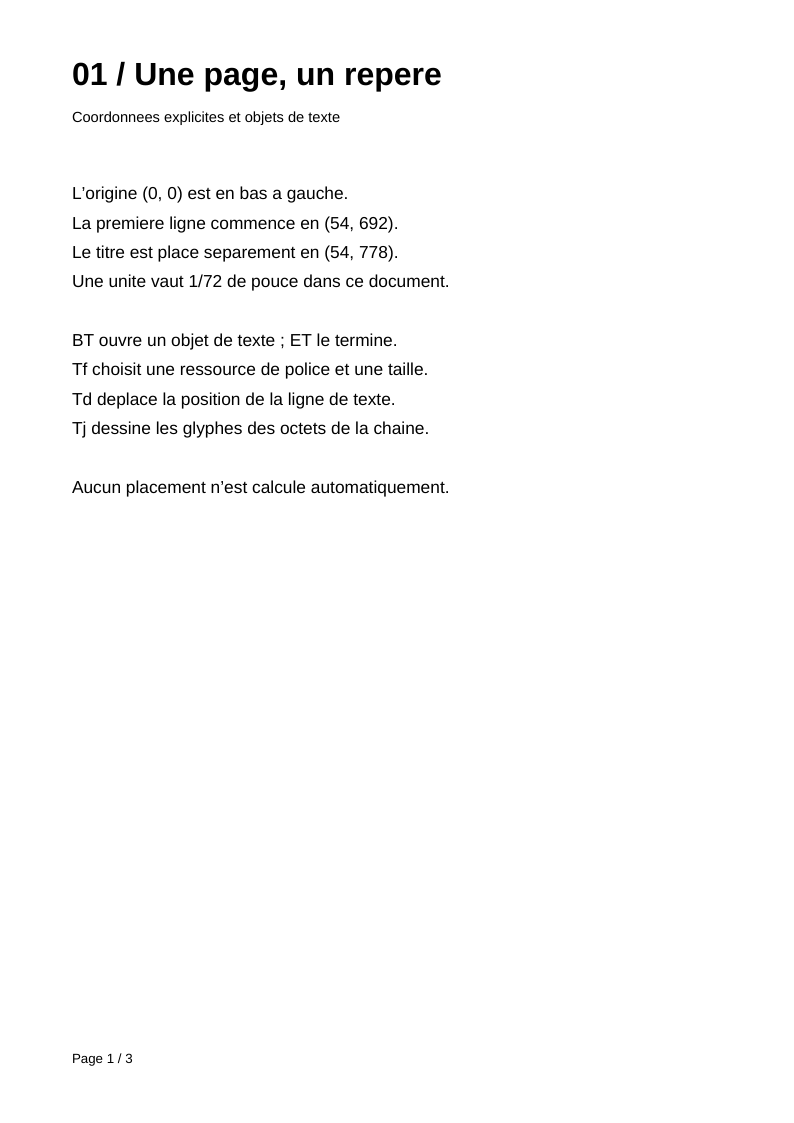
Pages and text
Shared resources, inheritance and explicit lines.
Read and view the PDF →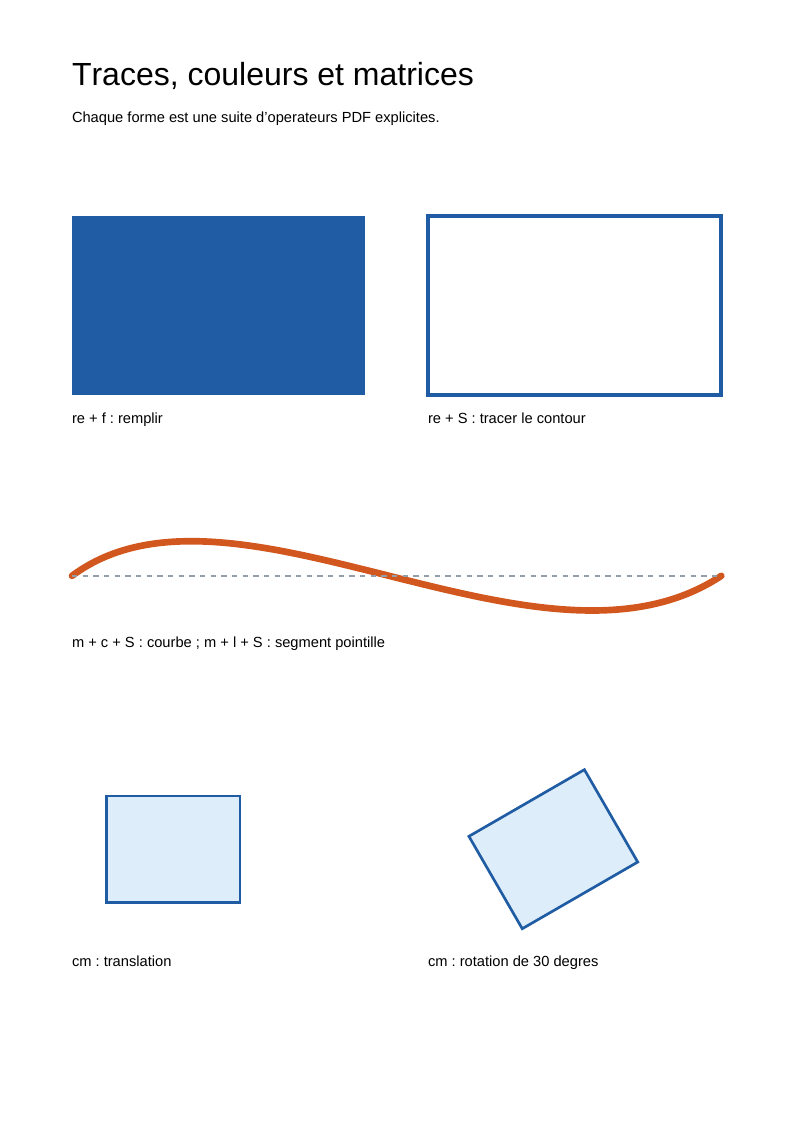
Drawing and transformations
Paths, colours, curves and matrices.
Read and view the PDF →
Bookmarks and destinations
A hierarchical outline and named destinations.
Read and view the PDF →
Clickable links
Internal annotations and URI actions.
Read and view the PDF →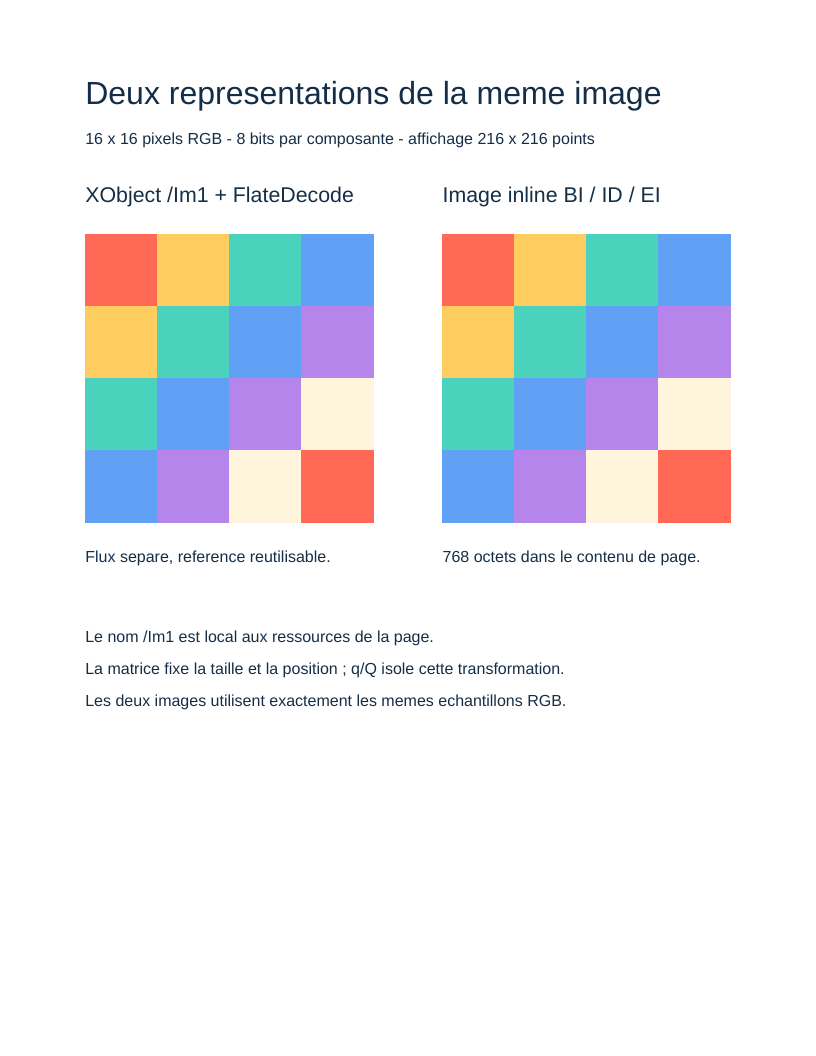
Images
An RGB pattern as an XObject and an inline image.
Read and view the PDF →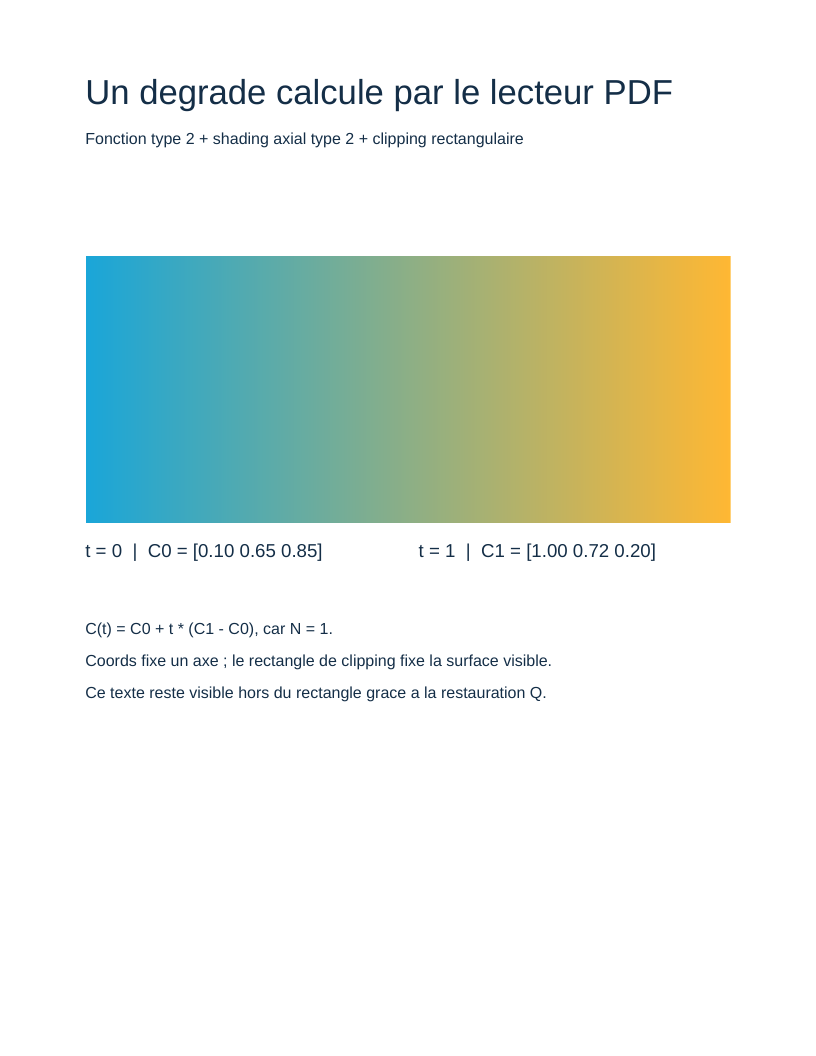
Gradient and function
A type 2 function drives axial shading.
Read and view the PDF →
Compressed objects
Filters, object streams and cross-references.
Read and view the PDF →
TrueType font and Unicode
Embedded program, CID, metrics and Unicode mapping.
Read and view the PDF →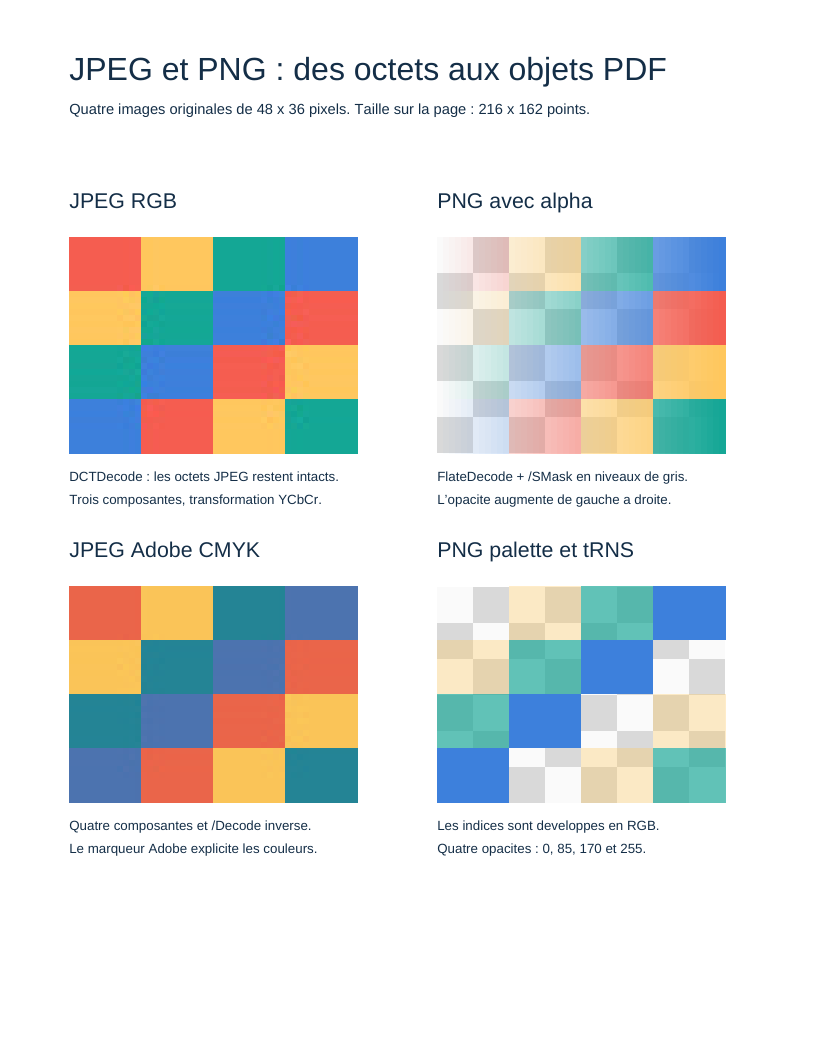
JPEG and PNG images
Image files, colours, samples and transparency.
Read and view the PDF →
Incremental revisions
Preserved bytes, explicit replacements and chained cross-references.
Read and view the PDF →
Reading pages from an external PDF
Validated tree, inherited attributes and explicitly decoded streams.
Read and view the PDF →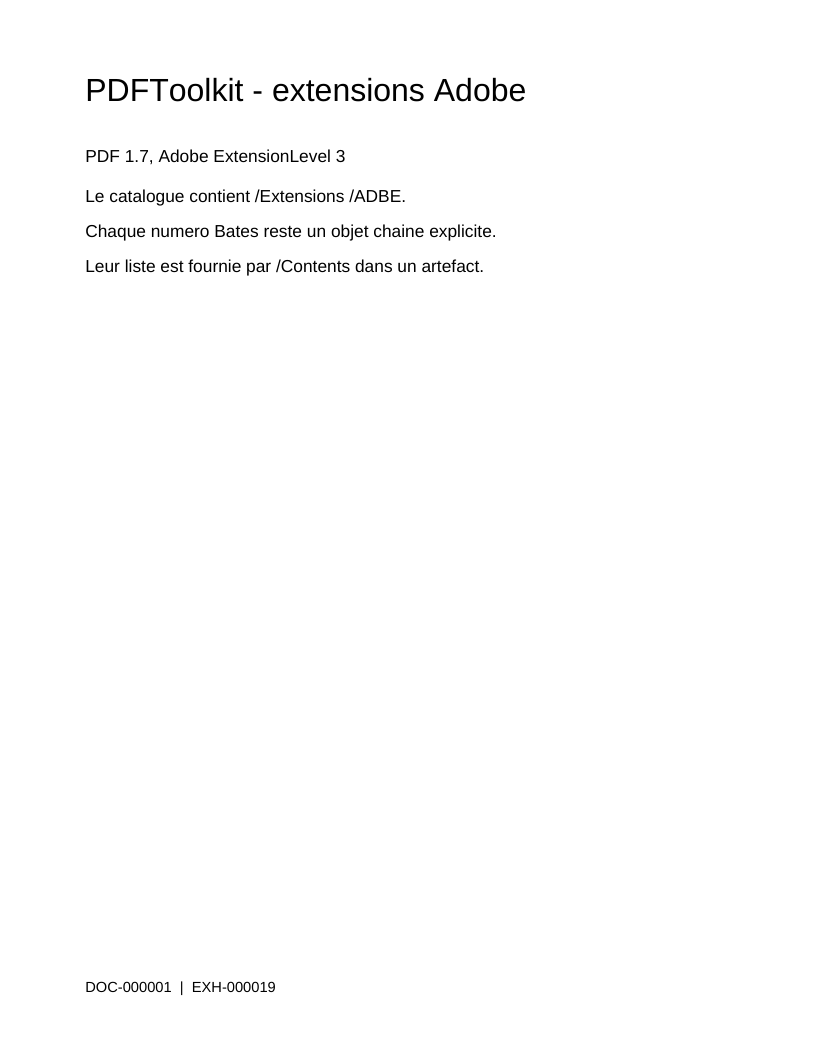
Adobe extensions and Bates numbering
Extension declarations, artifacts and document numbering.
Read and view the PDF →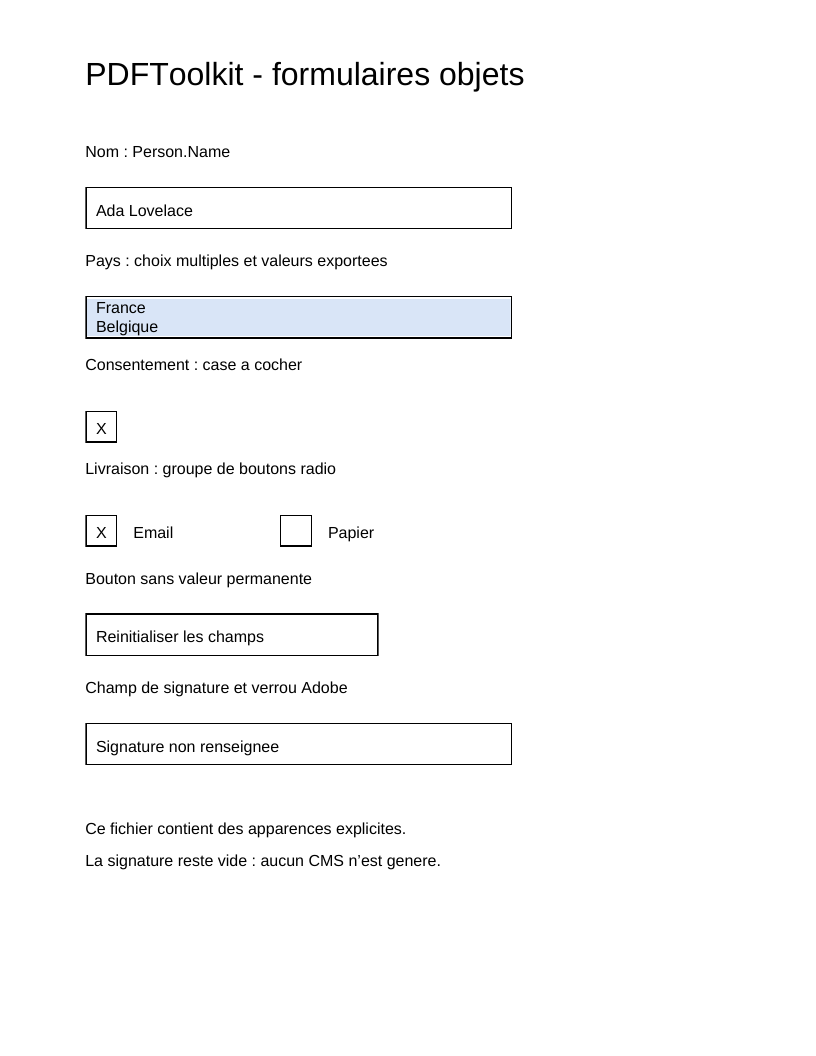
AcroForm fields and appearances
Field trees, widgets, values and appearances.
Read and view the PDF →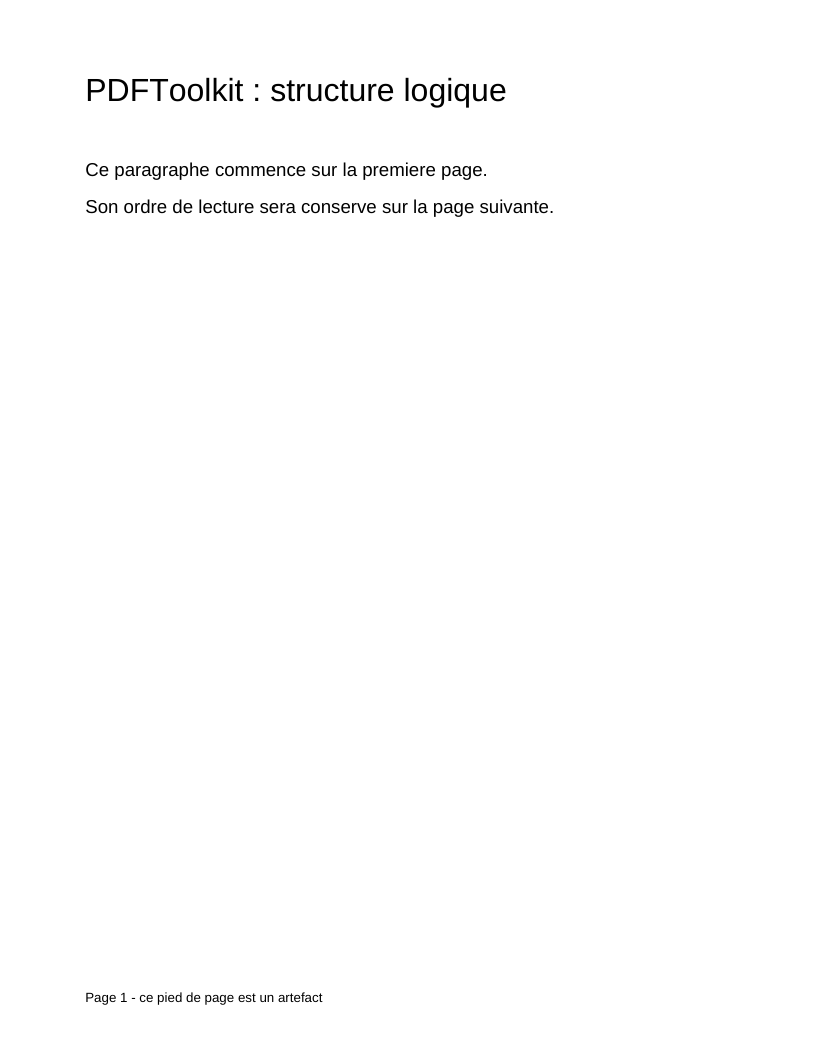
Logical structure and tagged content
Reading order, MCID, ParentTree and annotation links.
Read and view the PDF →
Linearization
Physical object order, dependencies and binary hints.
Read and view the PDF →
Colours, patterns and gradients
Colour spaces, repeated cells and seven shading types.
Read and view the PDF →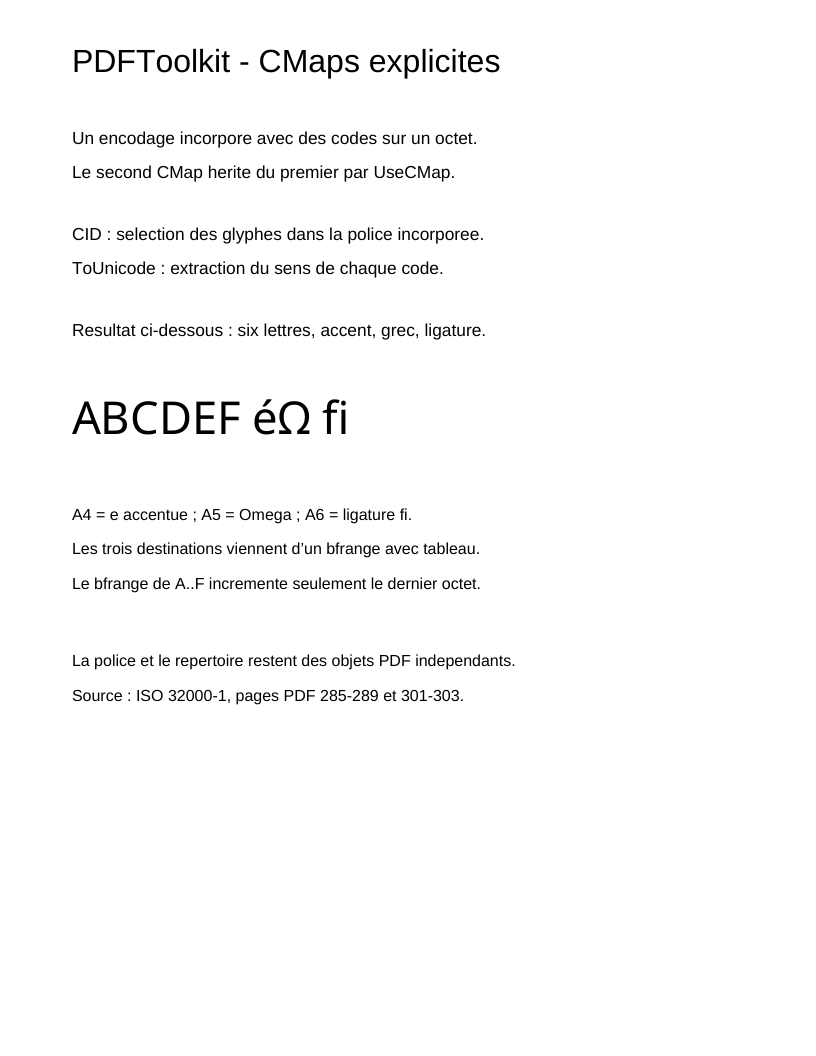
CMaps and Unicode
Composite encoding, CID, UseCMap and Unicode extraction.
Read and view the PDF →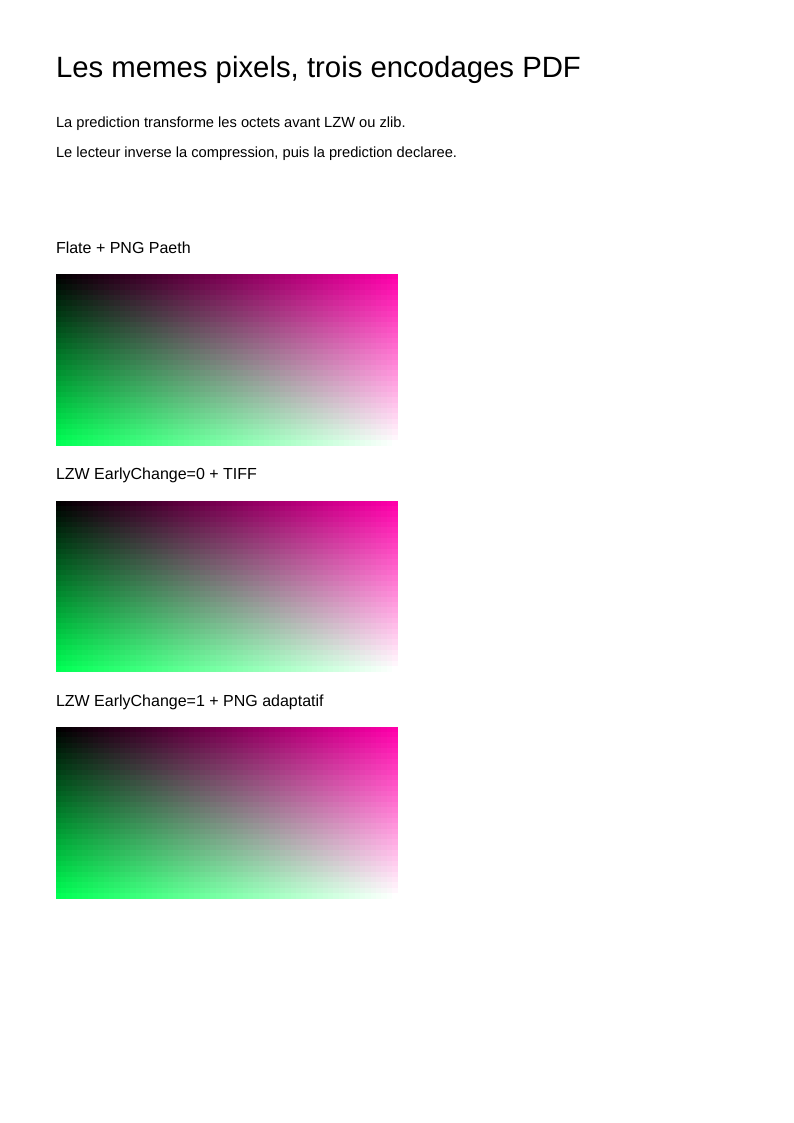
Filters and predictors
LZW and TIFF/PNG row prediction before compression.
Read and view the PDF →
PDF signatures
Reserved Contents, ByteRange and an explicit CMS signature.
Read and view the PDF →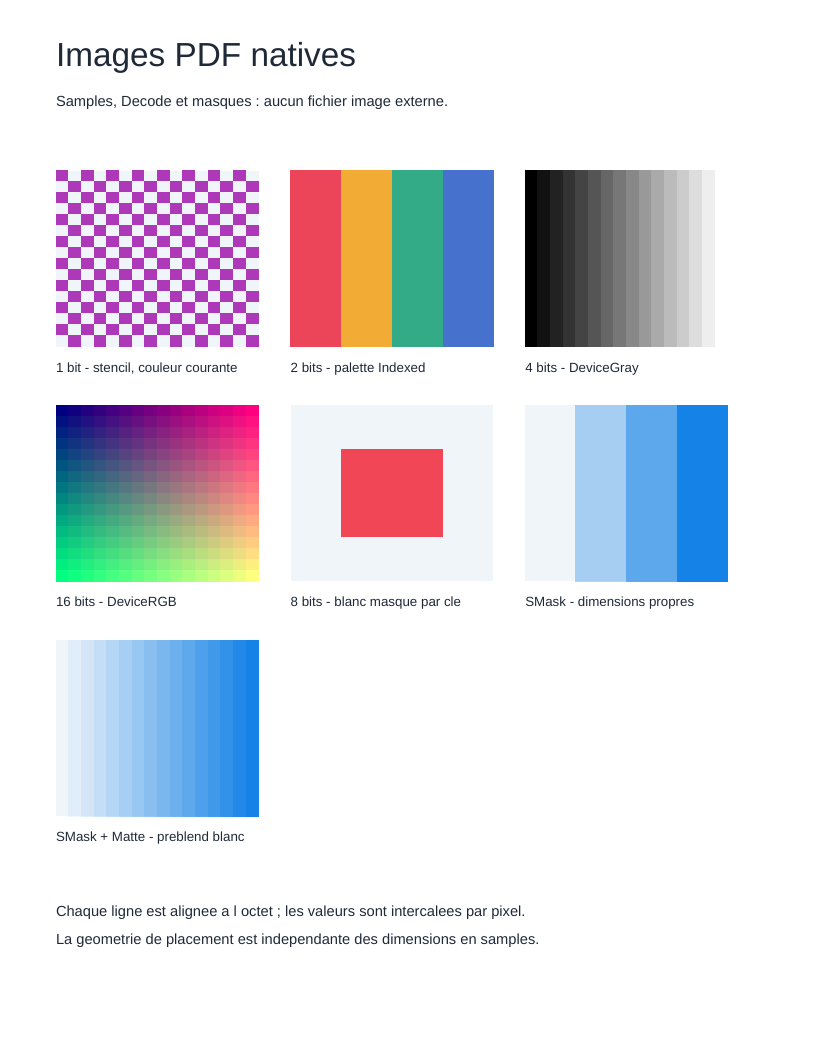
Images, transparency and layers
Bit depths, masks, groups, ExtGState and optional content.
Read and view the PDF →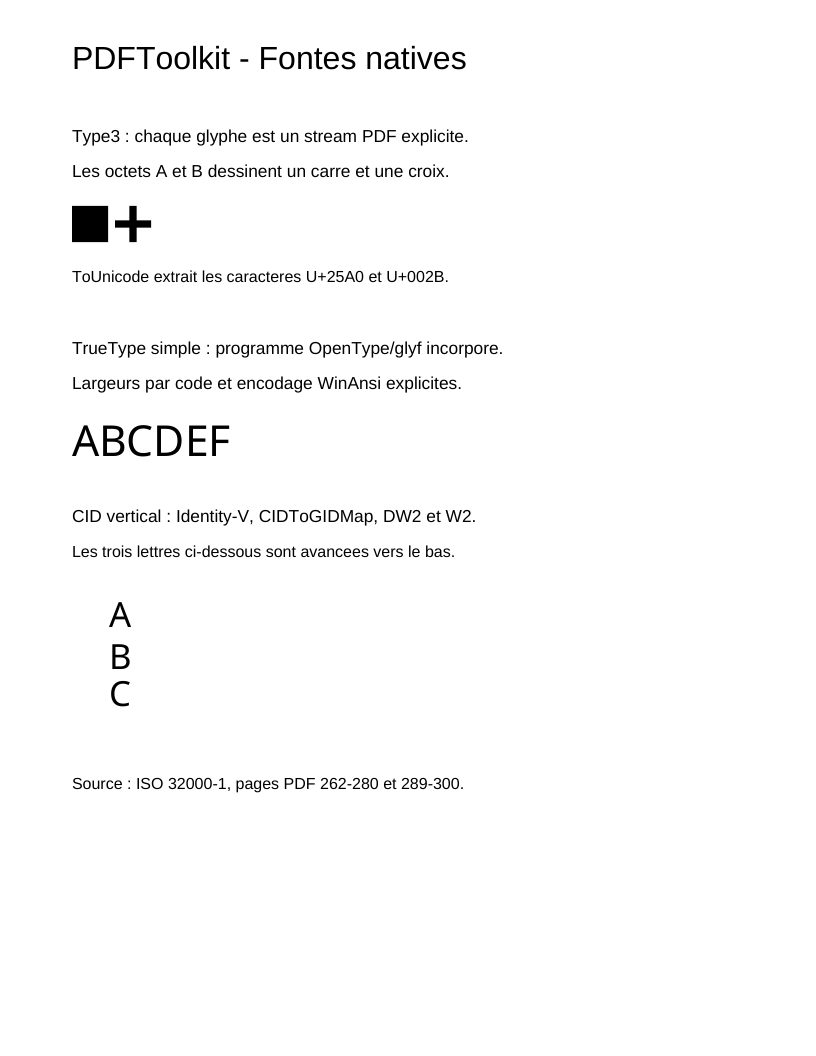
Native fonts and vertical writing
Type3, simple fonts, PDF programs and vertical metrics.
Read and view the PDF →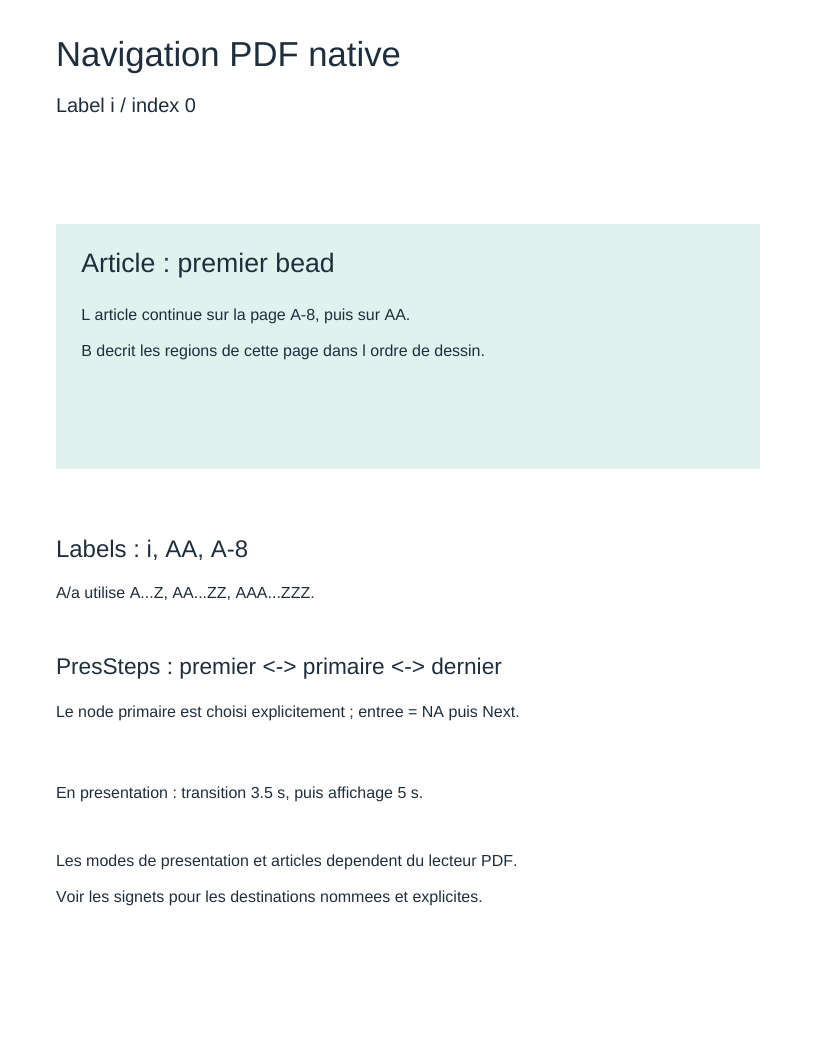
Navigation, articles and presentation
Labels, viewports, article rings and sequences.
Read and view the PDF →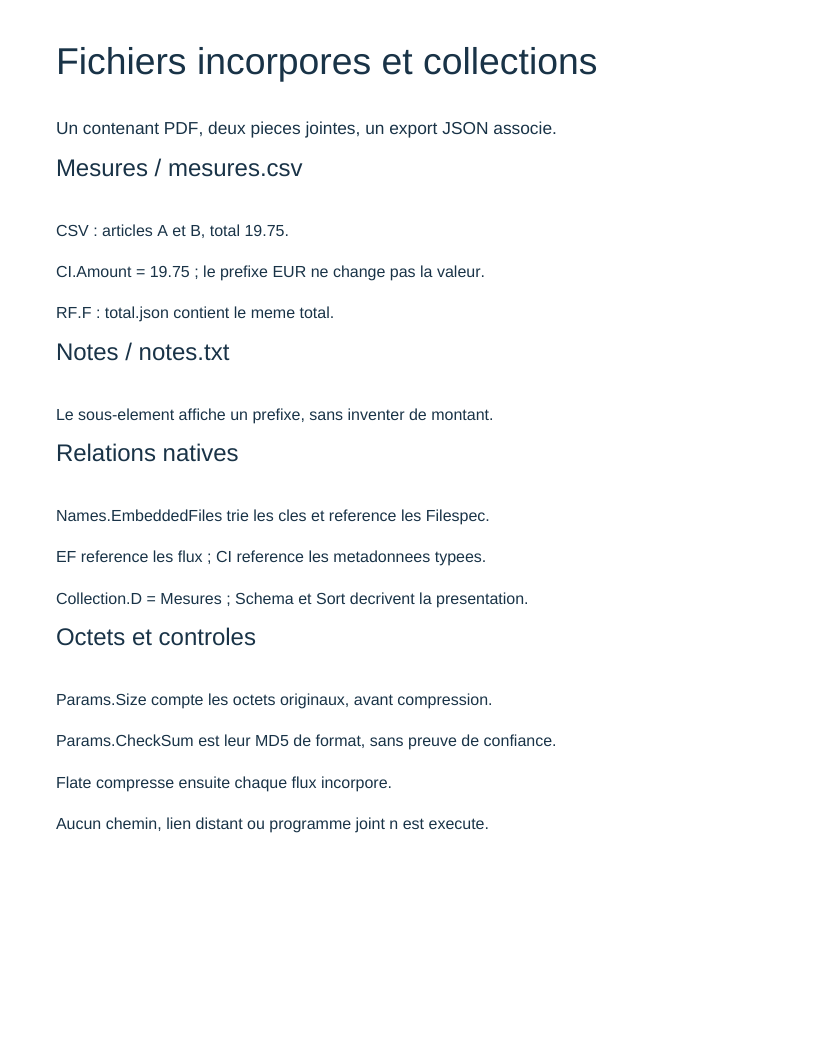
Embedded files and collections
Bytes, metadata, EF/RF/CI and collection presentation.
Read and view the PDF →
Deletion and generations
Free list, reuse and historical identities.
Read and view the PDF →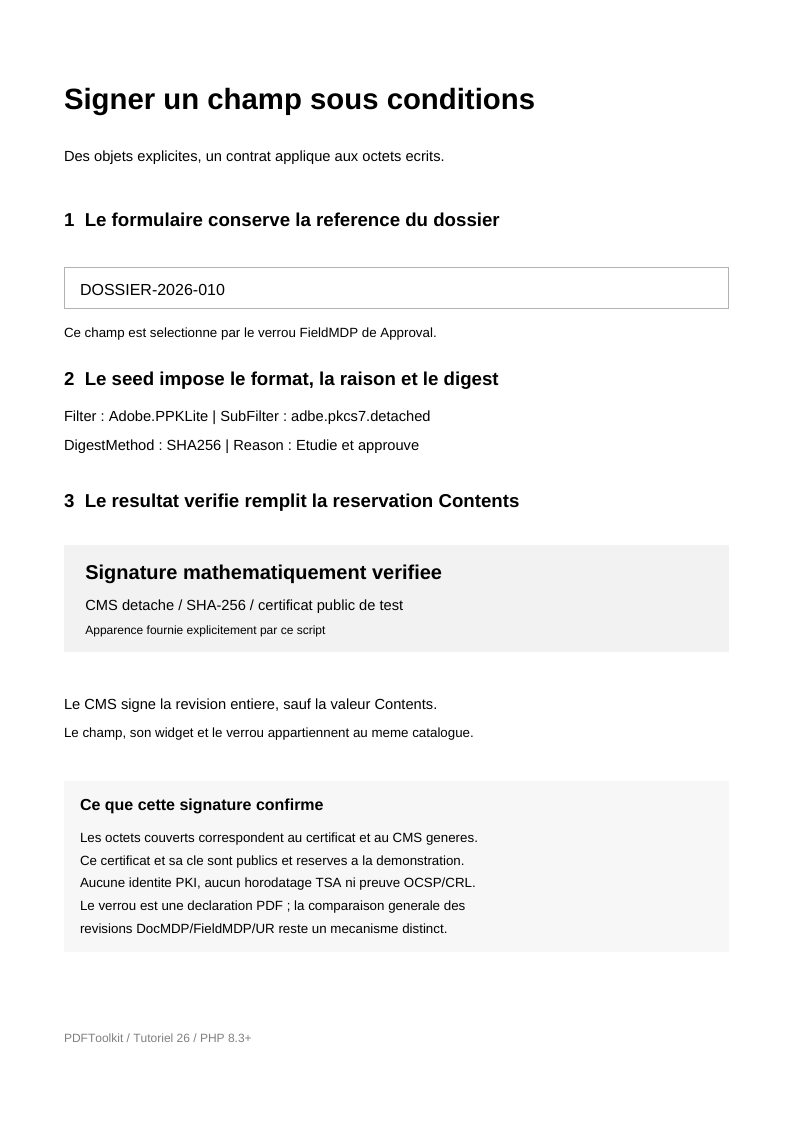
Signature field policy
Seed values, lock, appearance and evidence of the actual signed result.
Read and view the PDF →A PDF core, optional modules
The core represents the objects and mechanisms in the Adobe specification. Reading external PDFs and converting image or font files are optional dependencies: each module depends on the core.
Choose packages and understand their scope →
roukmoute/pdf
3 240 components
pdftoolkit/pdf-reader
41 components
pdftoolkit/pdf-images
9 components
pdftoolkit/pdf-fonts
13 components
Three ways to explore the project
Understand responsibilities
Values, graphs, resources, functions and writing: how the component families fit together.
Browse the reference
Signatures and inheritance for every component, with source code and specification tables.
Assemble a practical example
An explicit table: cells, colours, grid and text positioning.